From the
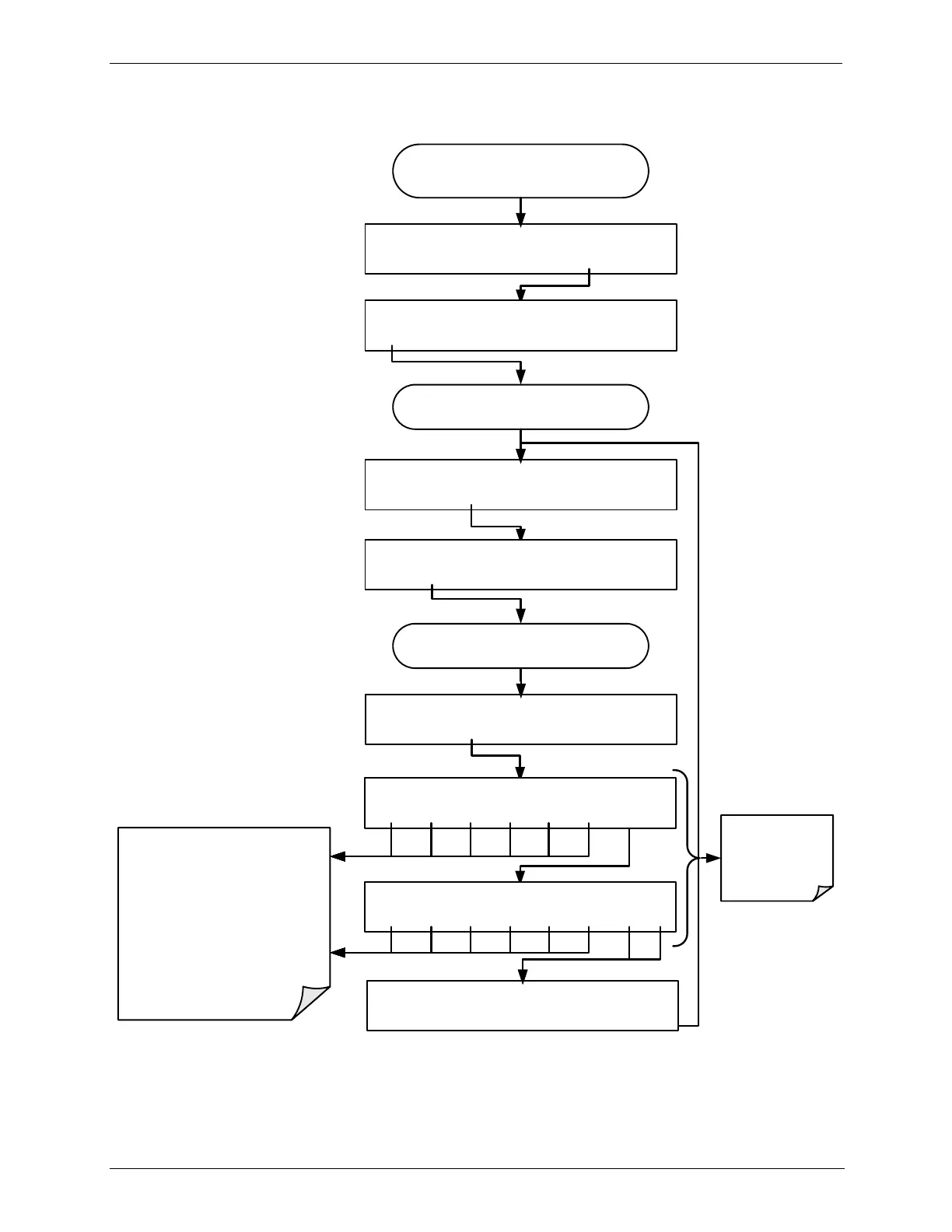
AIO CONFIGURATION SUBMENU
DIAG ANALOG I/O CONFIGURATION
PREV NEXT ENTR EXIT
Continue pressing SET> until you reach the
output to be configured
DIAG AIO TEST_OUTPUT: 5V, OVR, NOCAL
<SET SET> EDIT EXIT
Continue pressing SET> until ...
DIAG AIO TEST_OUTPUT: CALIBRATED:NO
<SET SET> CAL EXIT
DIAG AIO TEST_OUTPUT: RANGE: 5V
SET> EDIT EXIT
DIAG AIO TEST_OUTPUT: VOLT-Z: 0 mV
U100 UP10 UP DOWN DN10 D100 ENTREXIT
DIAG AIO TEST_OUTPUT: VOLT-S: 4500 mV
U100 UP10 UP DOWN DN10 D100 ENTREXIT
DIAG AIO TEST_OUTPUT: CALIBRATED: YES
<SET SET> CAL EXIT
Only appear if
AUTO-CAL is
turned OFF
These buttons increase / decrease
the analog output signal level (not
the value on the display)
by 100, 10 or 1 counts.
Continue adjustments until the
voltage measured at the output of
the analyzer and/or the input of the
recording device matches the value
in the upper right hand corner of the
display (within the tolerances listed
in Table 6-10
DIAG AIO AOUTS CALIBRATED: NO
SET> CAL EXIT



 To Next Page