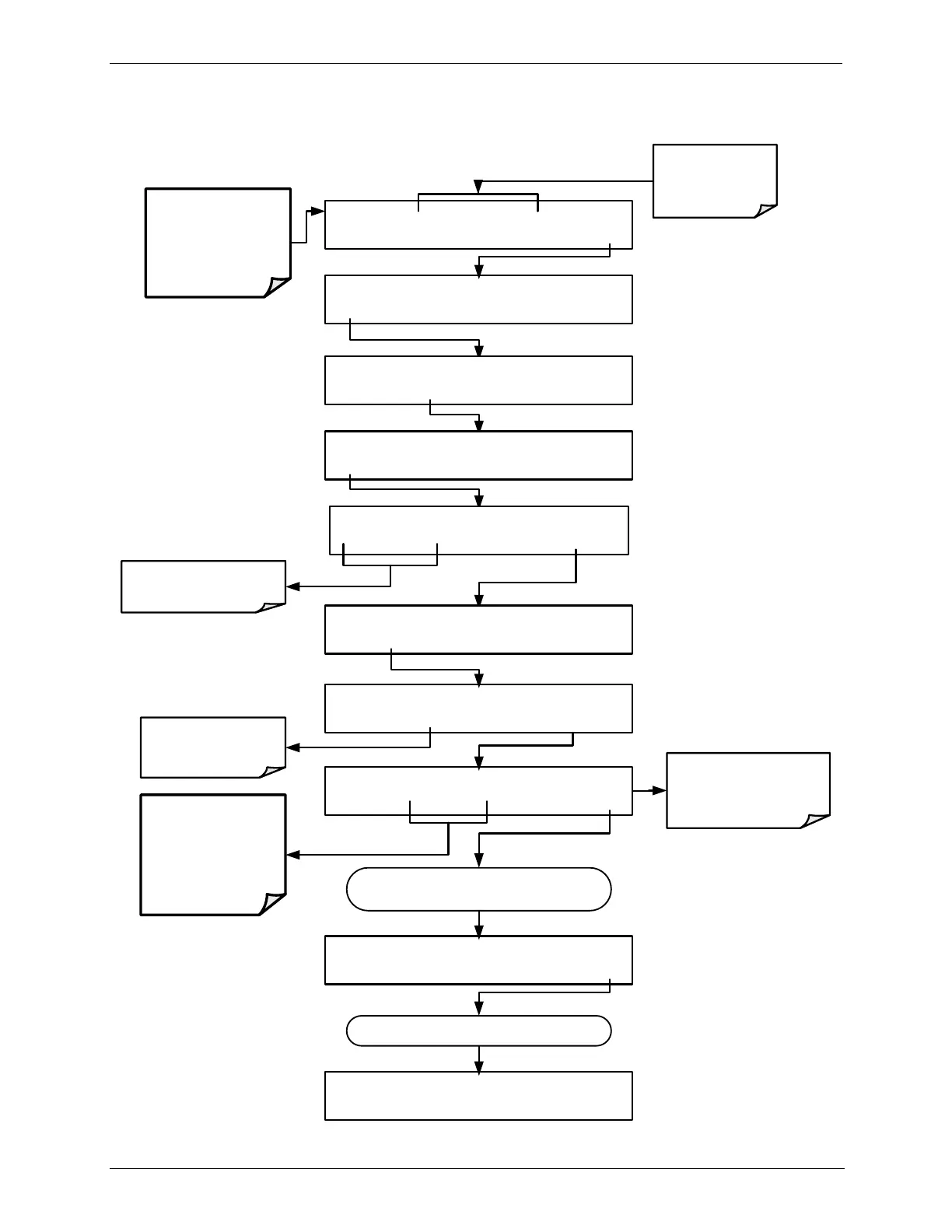
STANDBY ACT =STANDBY
<TST TST> GEN STBY SEQ SETUP
BCAL XZRO ACT=403.4 PPB O3
<TST TST> ZERO SPAN EXIT
STANDBY ACT =STANDBY
<TST TST> GEN STBY SEQ SETUP
SETUP X.X PRIMARY SETUP MENU
O3 SEQ CFG CLK PASS MORE EXIT
SETUP X.X O3 GAS CONFIG
MODE ADJ PHOT EXIT
SETUP X.X O3 GAS CONFIG
BCAL DARK EXIT
SYSTEM ENTER PASSWORD:0
0 0 0 ENTR EXIT
Toggle these buttons until
PASSWORD = 717
SETUP X.X O3 PHOTOMETER BENCH CAL
EDIT CAL EXIT
SETUP X.X BENCH CAL:XZRO
ZERO SPAN XZRO XSPN ENTR EXIT
Press XZRO if using an
External O
3
Generator
The ACT function in the
message field displays the
O
3
concentration of the
source gas
SETUP X.X O3 PHOTOMETER BENCH CAL
EDIT CAL EXIT
Make sure that the
calibrator is in STANDBY
mode.
DO NOT!
Press the GEN button
Make sure that the
ACT test function is
displayed in the
message field
DO NOT!
Press the ZERO or
SPAN buttons. Doing so
will cause the instrument
to recalculate it internal
SLOPE and OFFSET
values.
When finished measuring the external O
3
source, press EXIT.
Continue pressing EXIT until ...



 To Next Page