TH2829X Series Operation Manual Chapter 7 Transformer Auto Scanning Test
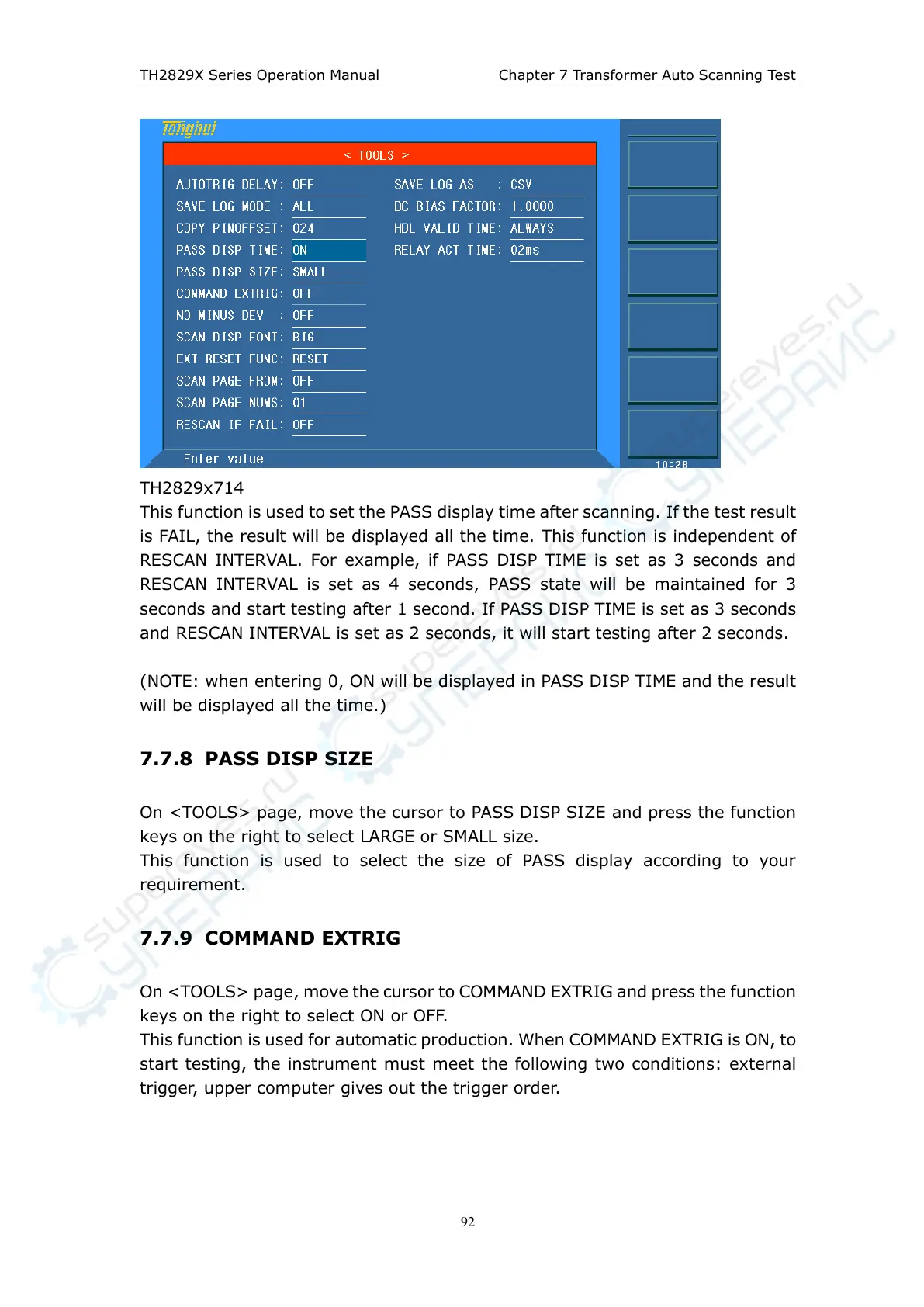
TH2829x714
This function is used to set the PASS display time after scanning. If the test result
is FAIL, the result will be displayed all the time. This function is independent of
RESCAN INTERVAL. For example, if PASS DISP TIME is set as 3 seconds and
RESCAN INTERVAL is set as 4 seconds, PASS state will be maintained for 3
seconds and start testing after 1 second. If PASS DISP TIME is set as 3 seconds
and RESCAN INTERVAL is set as 2 seconds, it will start testing after 2 seconds.
(NOTE: when entering 0, ON will be displayed in PASS DISP TIME and the result
will be displayed all the time.)
7.7.8 PASS DISP SIZE
On <TOOLS> page, move the cursor to PASS DISP SIZE and press the function
keys on the right to select LARGE or SMALL size.
This function is used to select the size of PASS display according to your
requirement.
7.7.9 COMMAND EXTRIG
On <TOOLS> page, move the cursor to COMMAND EXTRIG and press the function
keys on the right to select ON or OFF.
This function is used for automatic production. When COMMAND EXTRIG is ON, to
start testing, the instrument must meet the following two conditions: external
trigger, upper computer gives out the trigger order.



 To Next Page