TH2829X Series Operation Manual Chapter 7 Transformer Auto Scanning Test
7.7.15 SAVE LOG AS
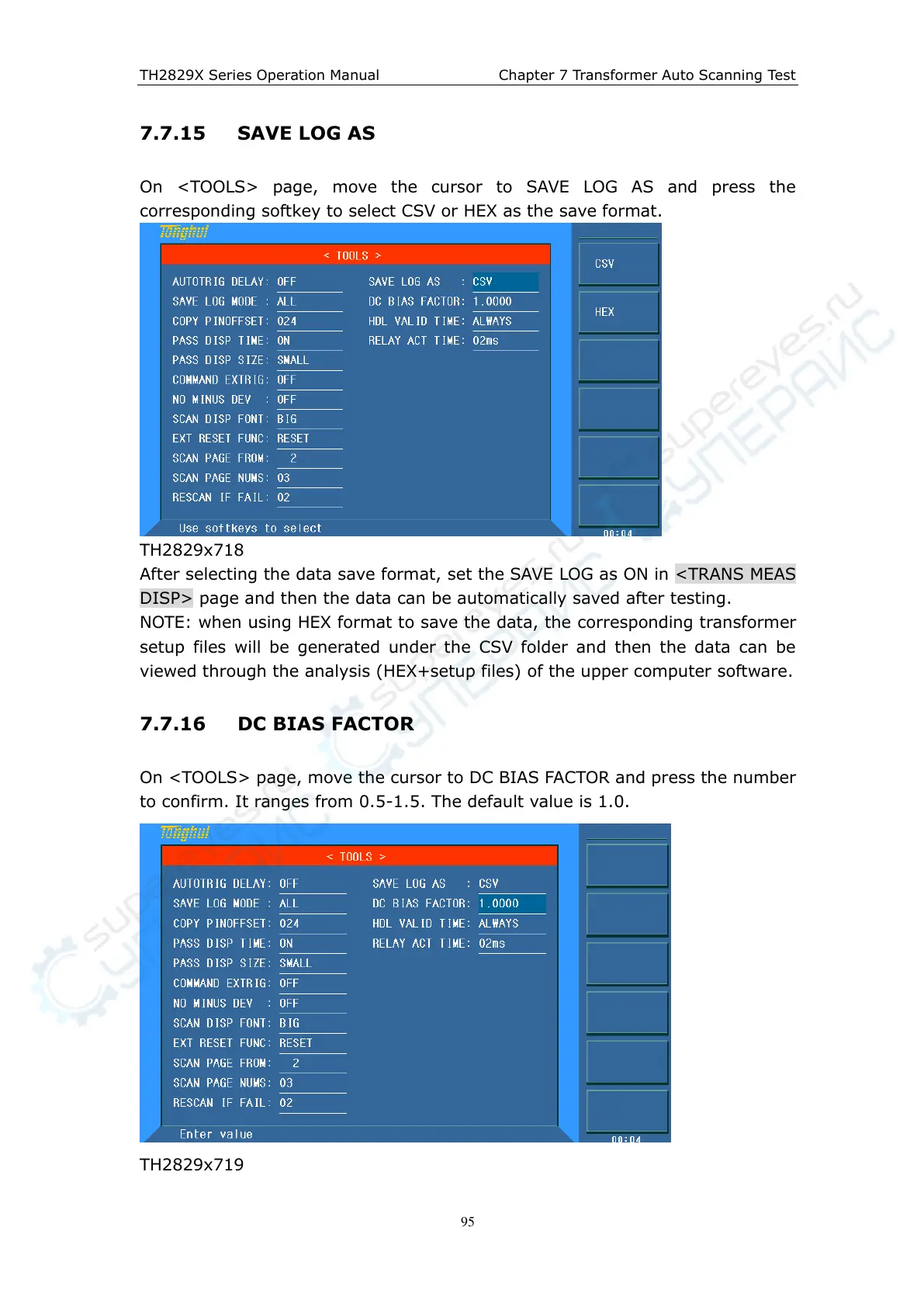
On <TOOLS> page, move the cursor to SAVE LOG AS and press the
corresponding softkey to select CSV or HEX as the save format.
TH2829x718
After selecting the data save format, set the SAVE LOG as ON in <TRANS MEAS
DISP> page and then the data can be automatically saved after testing.
NOTE: when using HEX format to save the data, the corresponding transformer
setup files will be generated under the CSV folder and then the data can be
viewed through the analysis (HEX+setup files) of the upper computer software.
7.7.16 DC BIAS FACTOR
On <TOOLS> page, move the cursor to DC BIAS FACTOR and press the number
to confirm. It ranges from 0.5-1.5. The default value is 1.0.
TH2829x719



 To Next Page