TH2829X Series Operation Manual Chapter 3 Introduction to [MEAS]
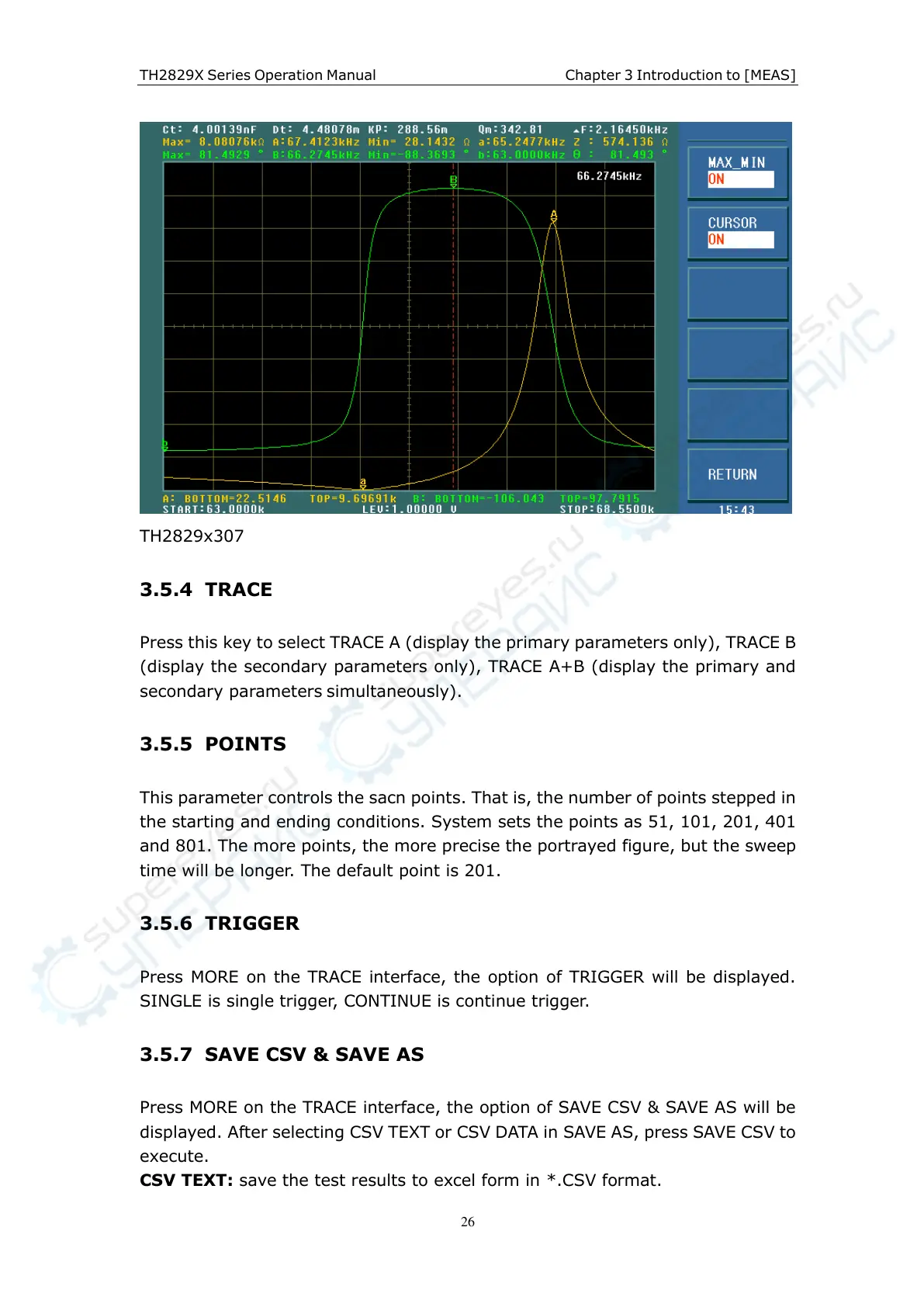
TH2829x307
3.5.4 TRACE
Press this key to select TRACE A (display the primary parameters only), TRACE B
(display the secondary parameters only), TRACE A+B (display the primary and
secondary parameters simultaneously).
3.5.5 POINTS
This parameter controls the sacn points. That is, the number of points stepped in
the starting and ending conditions. System sets the points as 51, 101, 201, 401
and 801. The more points, the more precise the portrayed figure, but the sweep
time will be longer. The default point is 201.
3.5.6 TRIGGER
Press MORE on the TRACE interface, the option of TRIGGER will be displayed.
SINGLE is single trigger, CONTINUE is continue trigger.
3.5.7 SAVE CSV & SAVE AS
Press MORE on the TRACE interface, the option of SAVE CSV & SAVE AS will be
displayed. After selecting CSV TEXT or CSV DATA in SAVE AS, press SAVE CSV to
execute.
CSV TEXT: save the test results to excel form in *.CSV format.



 To Next Page