TH2829X Series Operation Manual Chapter 2 Introduction
2.6 Start the instrument
Plug in 3-line power plug.
Caution: Keep the power-supply voltage and frequency conform to above
specifications. Power input phase line L, zero line N, ground line E should be the
same as that of the instrument.
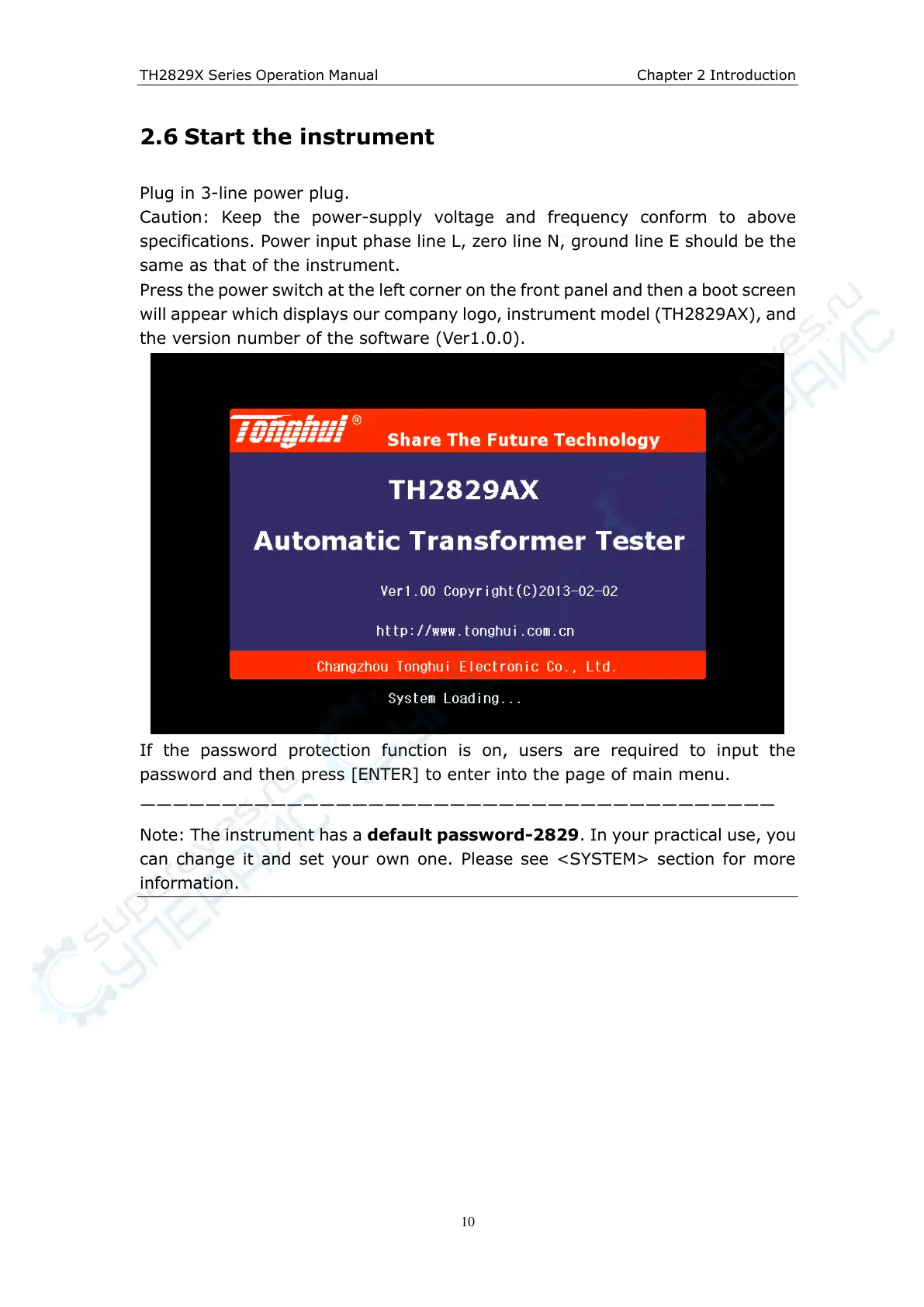
Press the power switch at the left corner on the front panel and then a boot screen
will appear which displays our company logo, instrument model (TH2829AX), and
the version number of the software (Ver1.0.0).
If the password protection function is on, users are required to input the
password and then press [ENTER] to enter into the page of main menu.
———————————————————————————————————————
Note: The instrument has a default password-2829. In your practical use, you
can change it and set your own one. Please see <SYSTEM> section for more
information.



 To Next Page