TH2829X Series Operation Manual Chapter 3 Introduction to [MEAS]
———————————————————————————————————————
NOTE: When the constant level function is valid, if the level exceeds above ranges,
this function will be automatically set as OFF. The level value currently set is
generally deemed as non-constant level value.
———————————————————————————————————————
Operation steps for setting auto level control function
Execute the following steps and set the constant level function as ON or OFF.
1) Move the cursor to ALC zone, the following soft keys are displayed.
ON
OFF
2) Press ON to turn on the auto level control function.
3) Press OFF to turn off the auto level control function.
3.6.3 Bias current isolation function
Bias current isolation function can prevent the DC current from affecting the test
input circuit. In ISO zone, users can set the bias current isolation function as ON
or OFF. When the bias current isolation function is set as ON, the bias current
flowing through DUT can reach 100mA. When the bias current isolation function
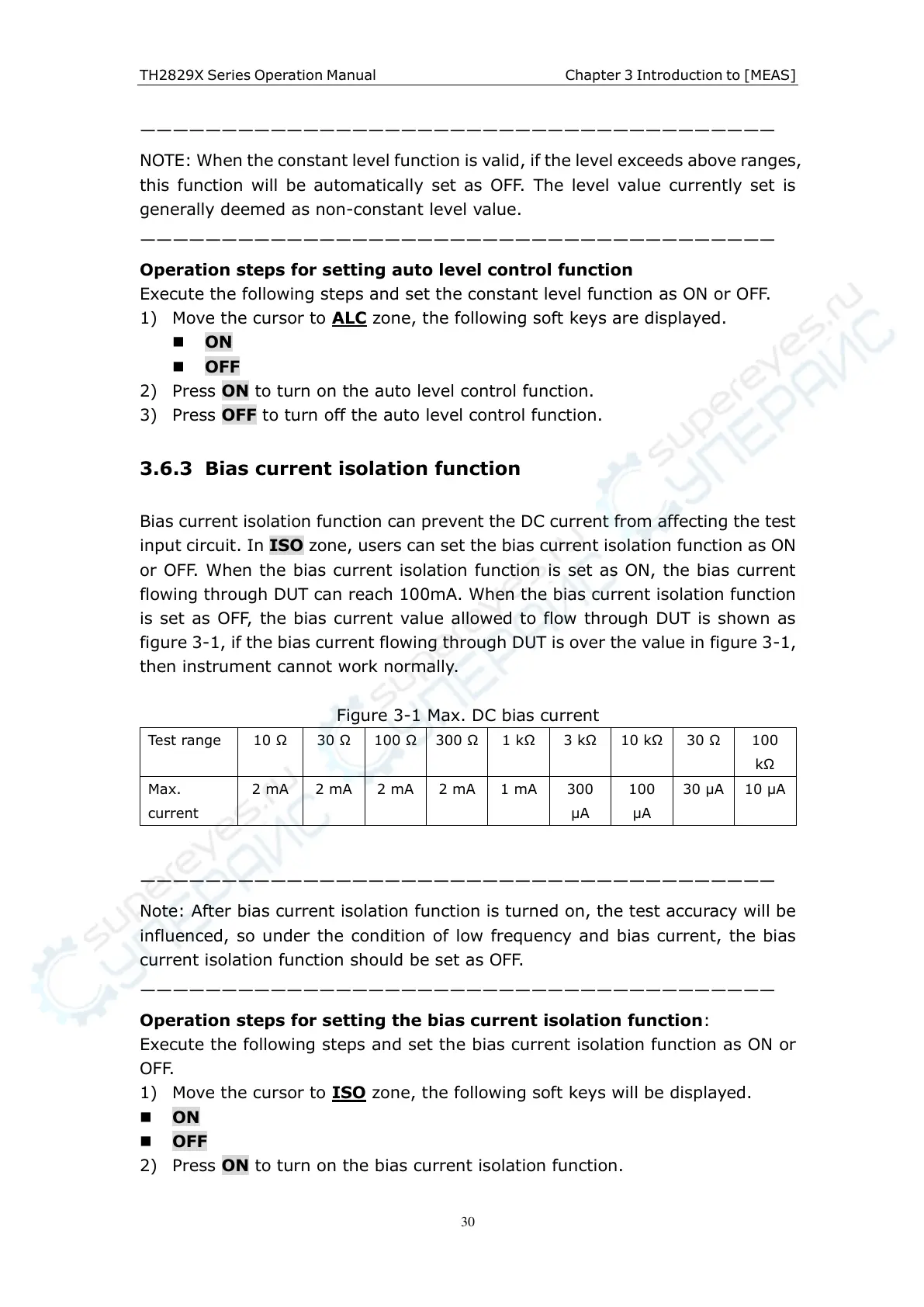
is set as OFF, the bias current value allowed to flow through DUT is shown as
figure 3-1, if the bias current flowing through DUT is over the value in figure 3-1,
then instrument cannot work normally.
Figure 3-1 Max. DC bias current
———————————————————————————————————————
Note: After bias current isolation function is turned on, the test accuracy will be
influenced, so under the condition of low frequency and bias current, the bias
current isolation function should be set as OFF.
———————————————————————————————————————
Operation steps for setting the bias current isolation function:
Execute the following steps and set the bias current isolation function as ON or
OFF.
1) Move the cursor to ISO zone, the following soft keys will be displayed.
ON
OFF
2) Press ON to turn on the bias current isolation function.



 To Next Page