6-30 Qualitek mR Owner’s Guide
Update Software
Contact Uson Support to receive new software updates. Once you receive your
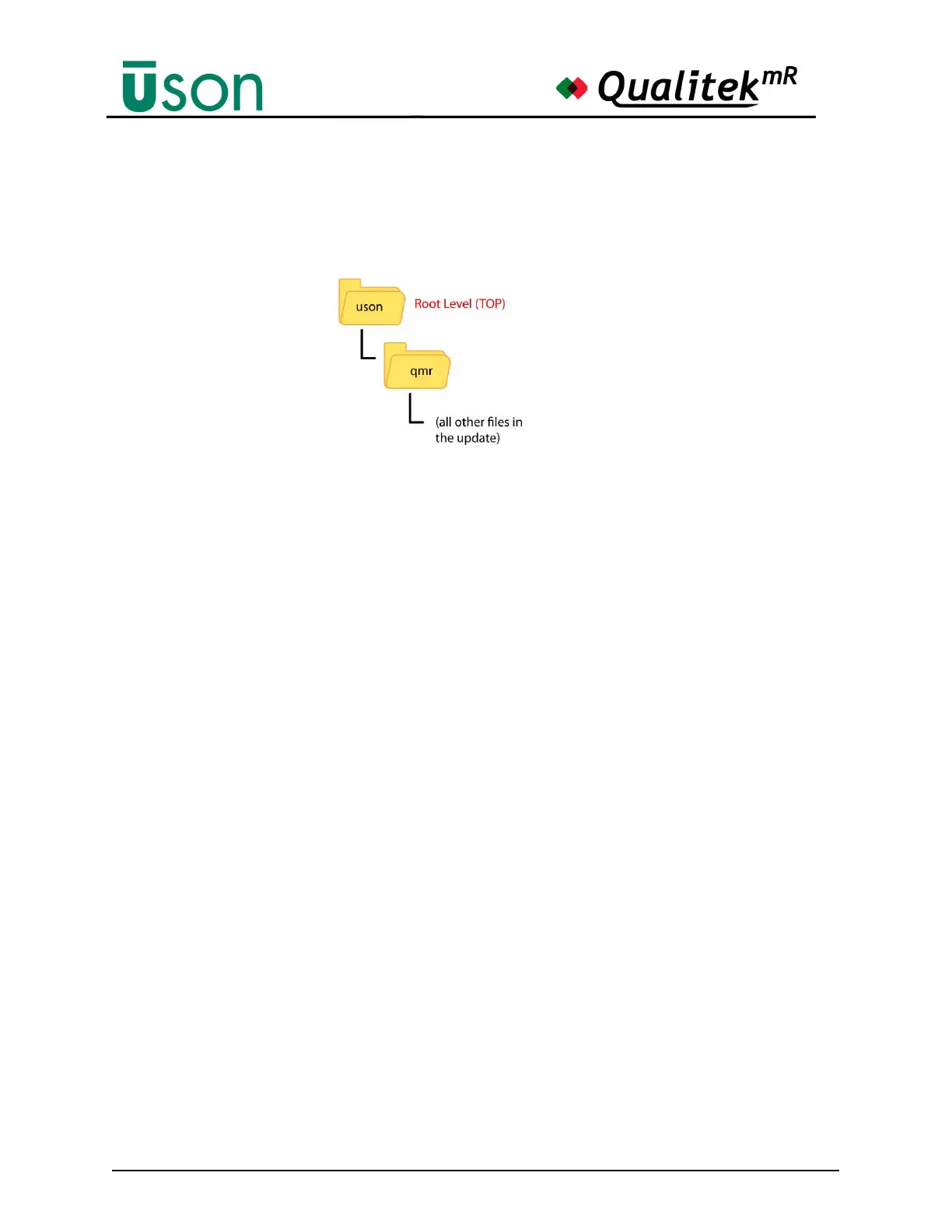
software update, copy the files to a USB memory stick following the same directory
structure as shown below:
Next, install the memory stick with the new software into the front panel USB slot and
wait for the activity light on the stick to stop flashing
. Then press the
Update Software
button. The tester will locate the update files on the memory stick and update the
software. Follow any on-screen prompts that may appear and follow the instructions
they give. When the update process is complete, restart the tester.
Install Patch
This button will be used should Uson issue a patch to the software. Instructions for
installing the patch will be provided at that time.



 To Next Page