Run Mode 5-9
5.2.2 Double Diamond and Header Display
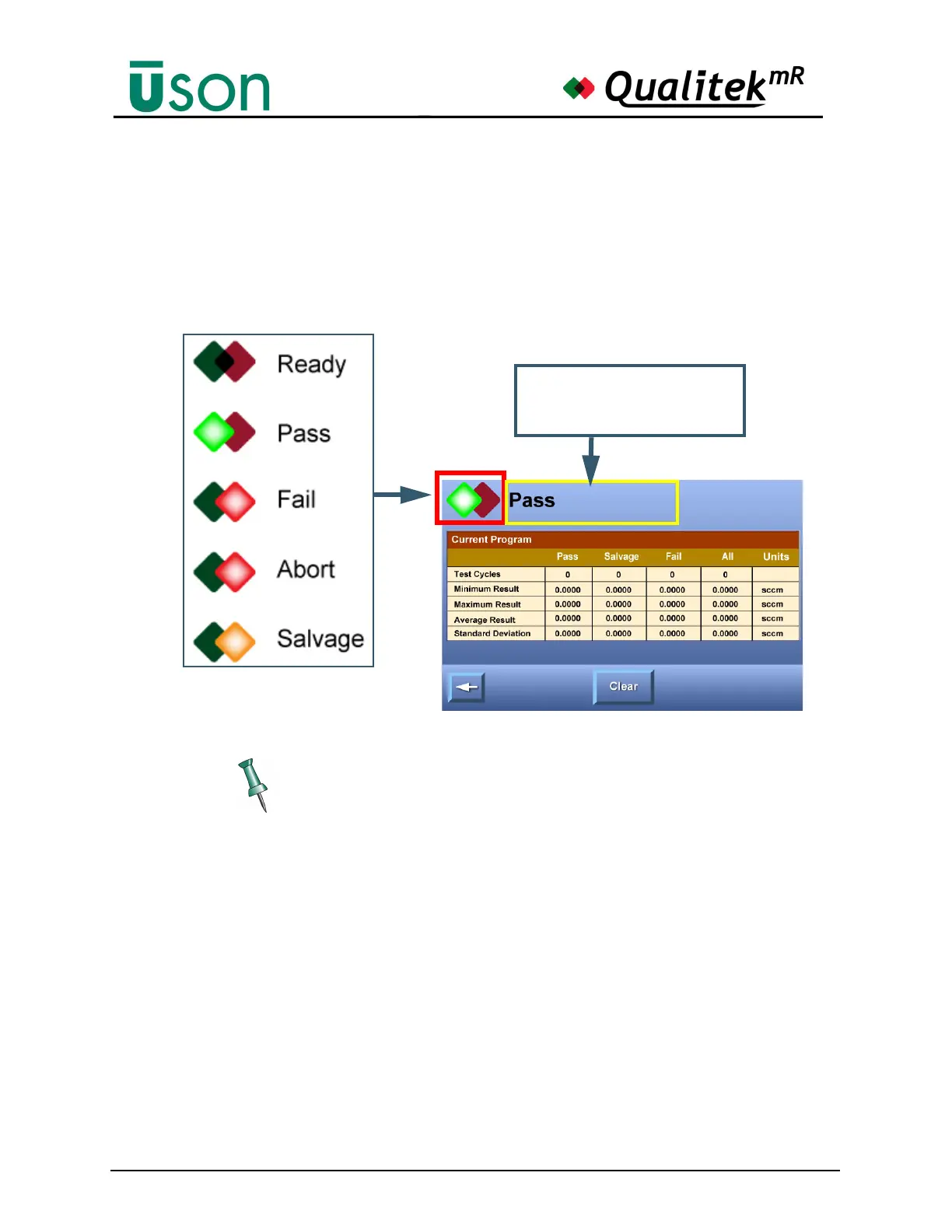
A prominent feature on many Run mode screens is the double diamond indicator
that shows the status of the tester or the result of the last test. Colors and
highlighting emphasize the status so that the display can be interpreted at a glance.
Descriptive text, e.g. Pass, Fail, etc., is used also to declare the test status.
Fast Navigation Tips: Tapping the header will usually open the Statistics
screen.Tapping the double diamonds wherever they appear will open the
Dashboard display. See page 5-13.
Tapping in this part of the
header area will usually open
the Statistics screen.



 To Next Page