Reference 8-19
The TC Method selections are:
Disabled, temperature compensation is disabled for the selected program and
associated parameters are hidden.
Enabled, the temperature compensation test steps are performed and the
compensation is applied.
Apply Only, the temperature compensation information from a previous test is
applied. This is generally used when programs are performed in a sequence of tests
and the first atmospheric reading is used by subsequent tests in the sequence.
Steps Only, performs the temperature compensation test steps but compensation is
not applied. This option is generally used during the initial setup of temperature
compensation to record values.
If tests are performed by individual programs then set the TC method to Steps
Only for all programs requiring Temperature compensation. If tests are performed
by a sequence of programs then set the TC Method to Steps Only on the first
program within the sequence.
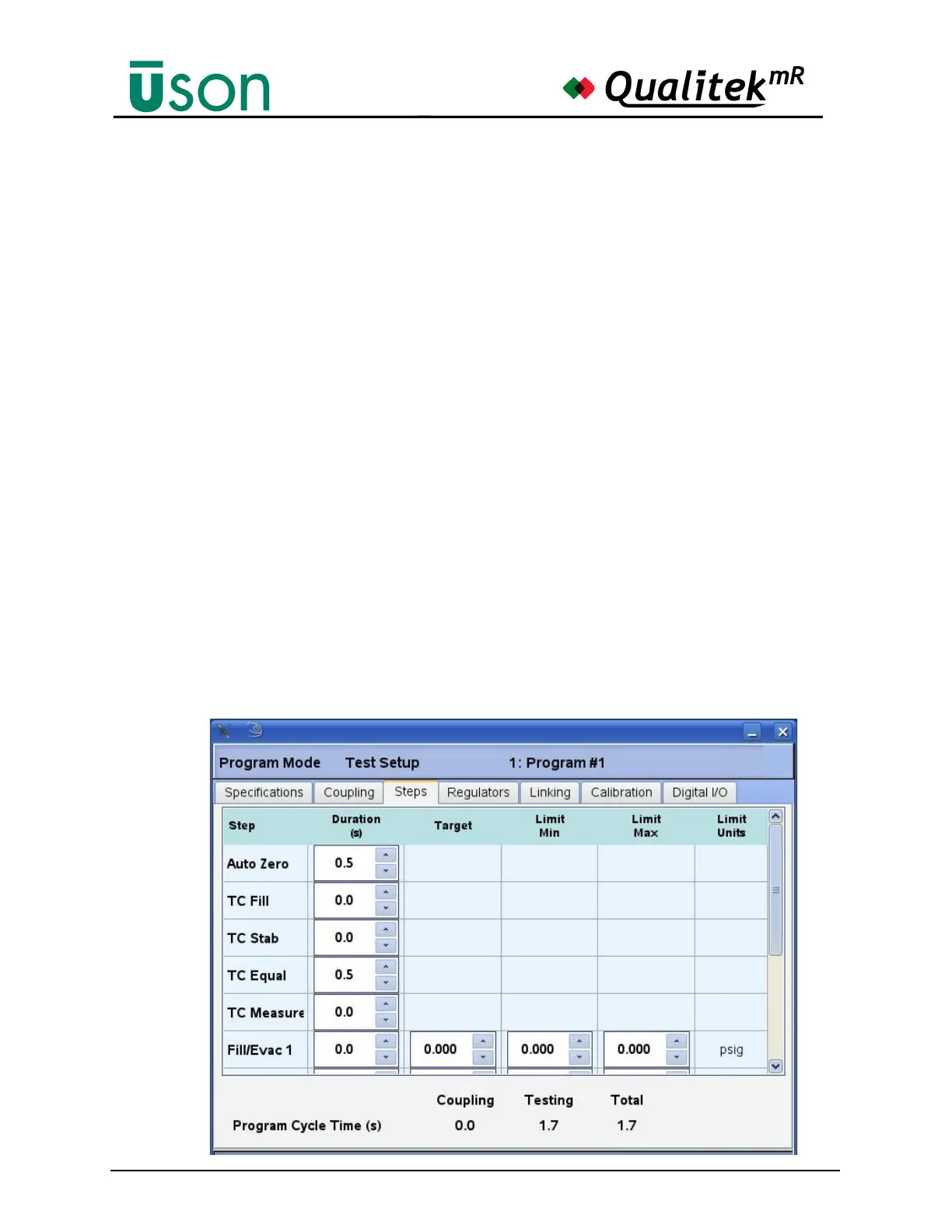
8.10.3.4 Temperature Compensation Test Steps.
The Temperature compensation option allows the variation in component
temperature to be taken into account by measuring the pressure change in the test
component while at atmospheric pressure. To achieve this, additional steps are
added to the start of the normal test cycle and must be set by selecting the Program
Mode Test Setup Steps tab and setting the TC step times based on the step
descriptions below.



 To Next Page