8-32 Qualitek mR Owner’s Guide
8.11.3 Force Mode Details (Run Mode)
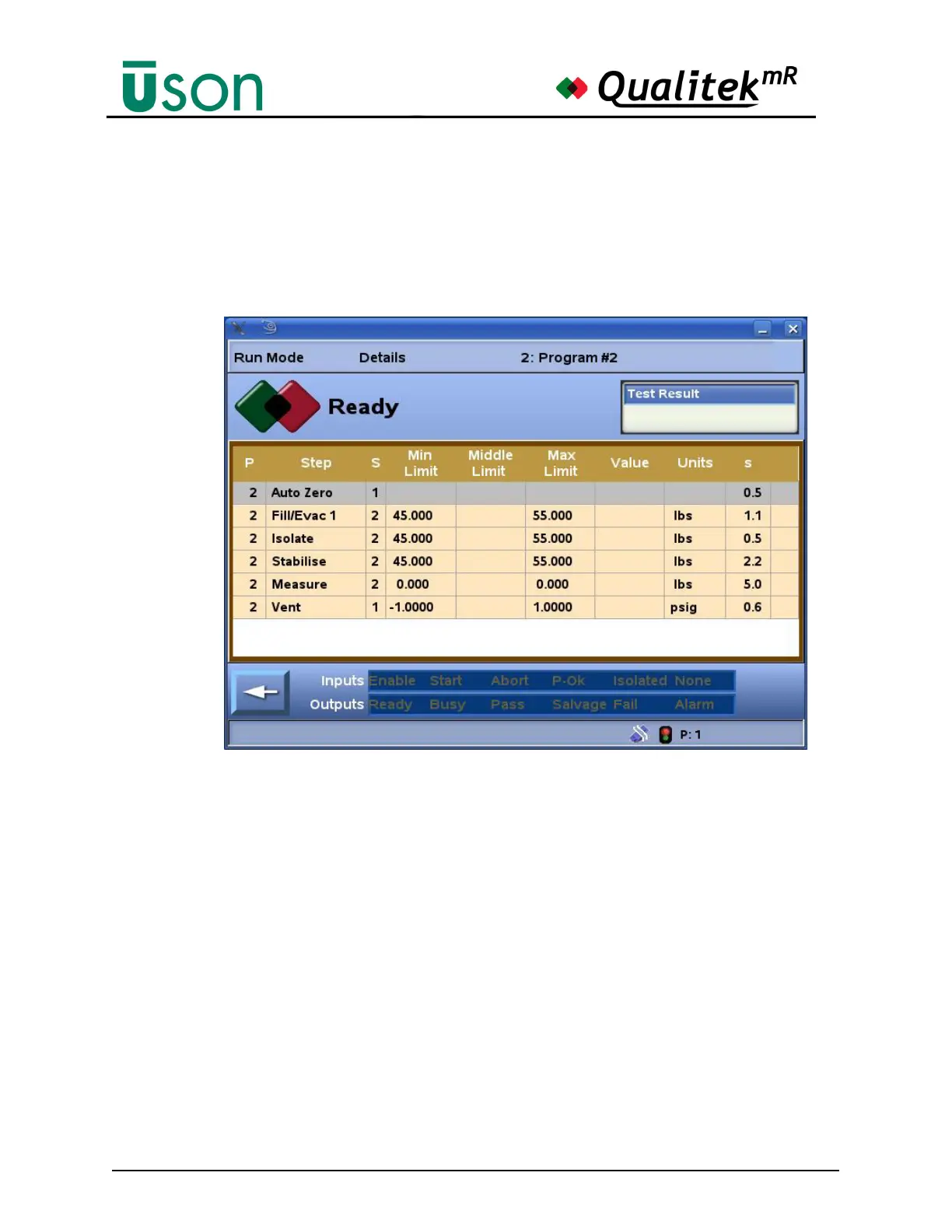
The Details screen (Run Mode) shows the progress of the steps in the current
program and any programs to which it is linked. The bottom of the display shows
the status of relevant digital input and output. Each row is a step in a program that
was set up in the Program Mode. The Fill step advances the program to the next
step when target force is achieved.



 To Next Page