Program Mode 6-1
6
Chapter 6
Program Mode
6.1 Program Mode
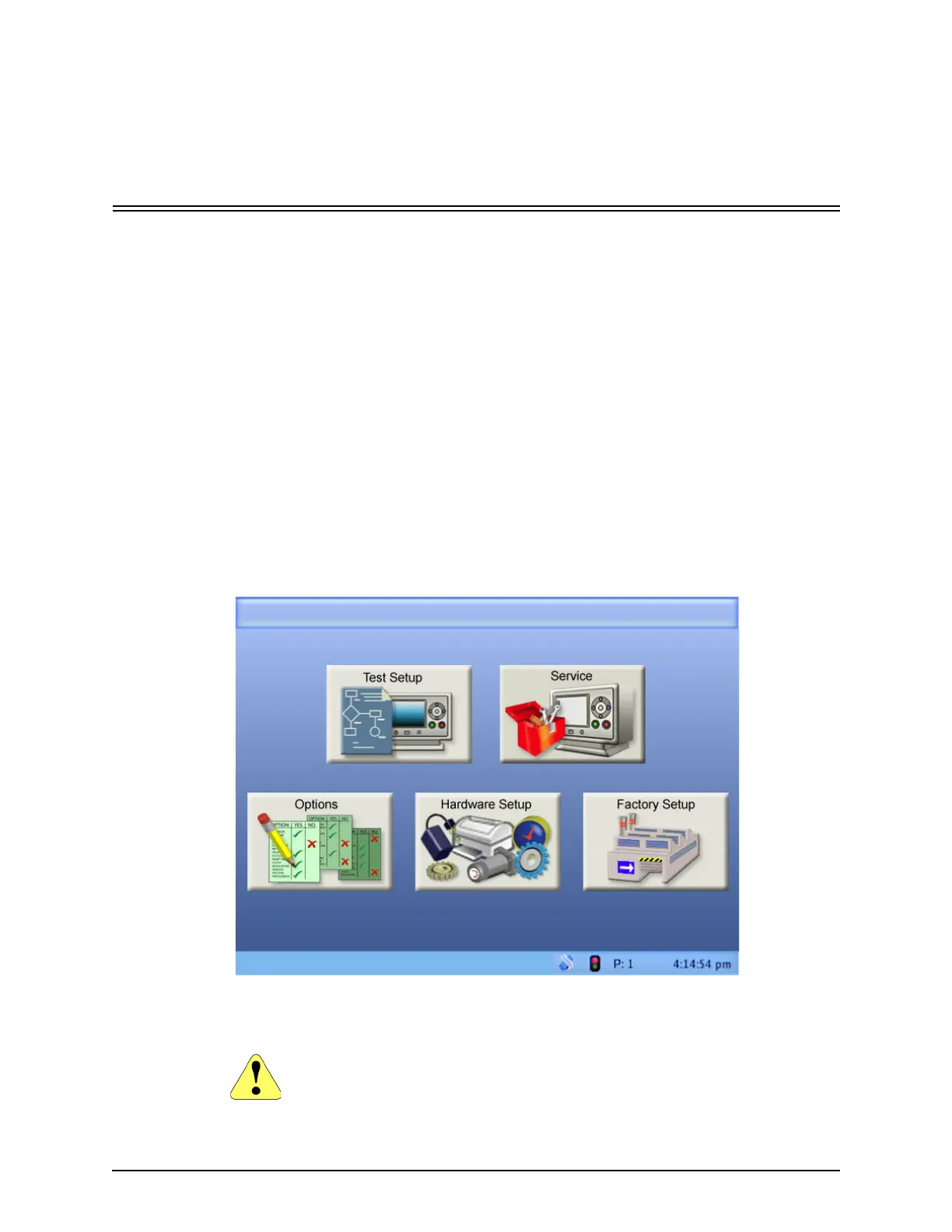
Program Mode is where all the operating options and parameters of the
Qualitek mR are established. Unlike Run Mode, settings can be made in Program
Mode that greatly affect the operation of the tester, so only authorized persons
should use this mode. To enter Program Mode, switch the security lock to the
horizontal position. The display screen will appear as shown, with five large icons.
Note that the title bar will show Program Mode and Home (since this is the Home
screen.)
• Test Setup. See "Test Setup" on page 6-3
• Service. See "Service" on page 6-24
• Options. See "Options" on page 6-38
• Hardware Setup. See "Hardware Setup" on page 6-57
• Factory Setup. See "Factory Setup" on page 6-76
6.1.1 The Keyswitch Saves Changes In Program Mode
Changes made in Program Mode are NOT saved until the tester is returned to
Run Mode by using the KEY.
Program Mode Home (Current Program)



 To Next Page