6-48 Qualitek mR Owner’s Guide
Program Selection Encoding
This option selects the type of binary input to use for program selection. Choose
from:
• None
• Binary
• BCD
Results Duration
Used to set the amount of time the result output signal stays on.
EOC Duration
Used to set the amount of time the EOC (End of Cycle) output signal stays on.
Pass / Fail / Salvage Repeat Limit
Enter the amount of end-of-cycle repeats to be allowed. Enter a zero to turn off the
limit and allow unlimited repeats.
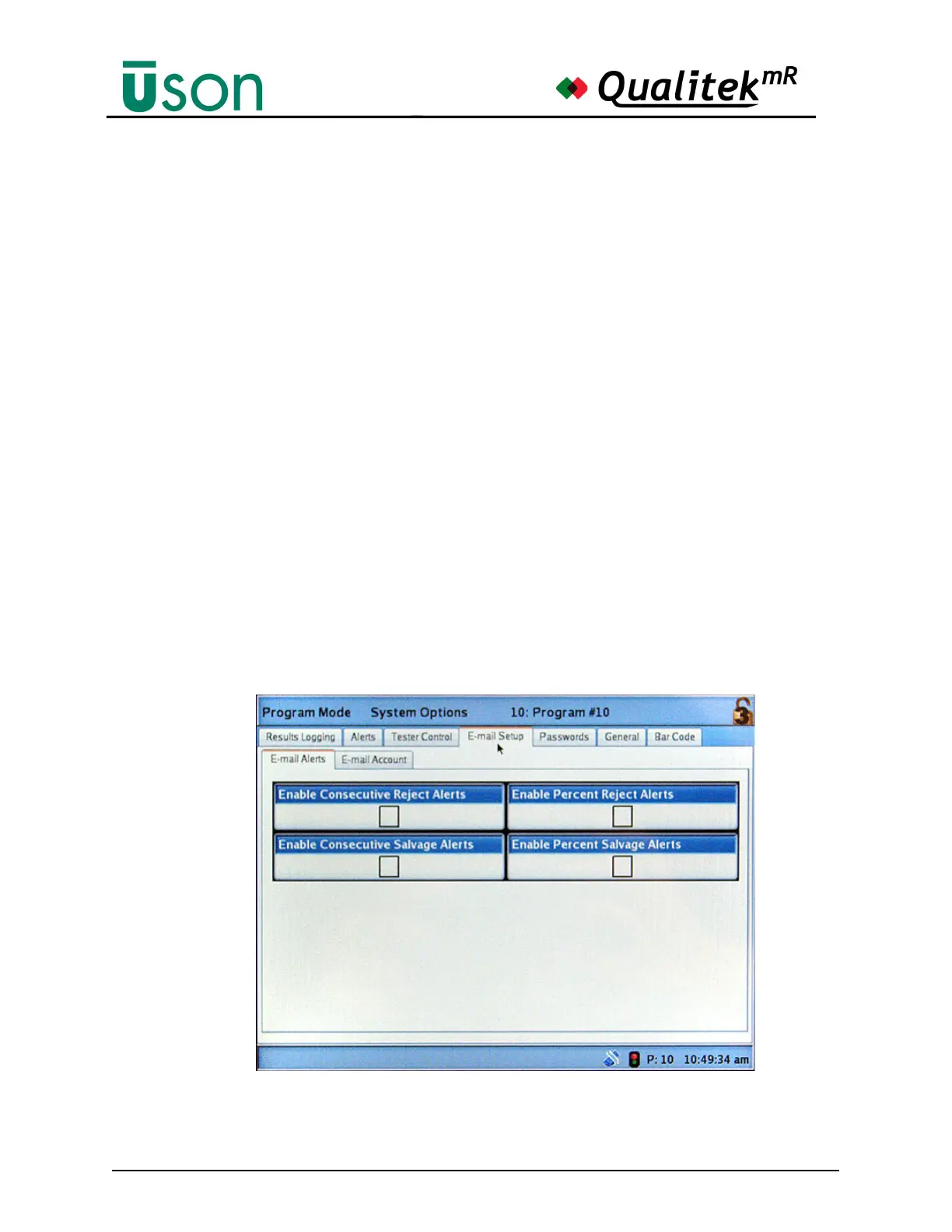
6.2.4.4 E-mail Setup
Use the E-mail Setup tab to select e-mail alerts and account settings.
Alerts established on the Alerts tab (See "Alerts" on page 6-44) can be selectively
sent via e-mail. Check the box for each alert type to use.



 To Next Page