Program Mode 6-61
6.2.5.4 Network
Qualitek mR has the capability to log to a file on the network.
The Qualitek mR opens a log file when going from Program Mode to Run Mode.
During this time, the file is actively used (open) by the tester. Attempts to delete,
change, or move the file by other means are blocked by the network. The file can
be viewed but it cannot be changed by outside means while the tester has it open.
The file is closed by either of two methods. The first method is when the tester
transitions from Run Mode to Program Mode. The second method is when the date
changes at midnight; the file is closed and a new one opened with the new date as
the filename.
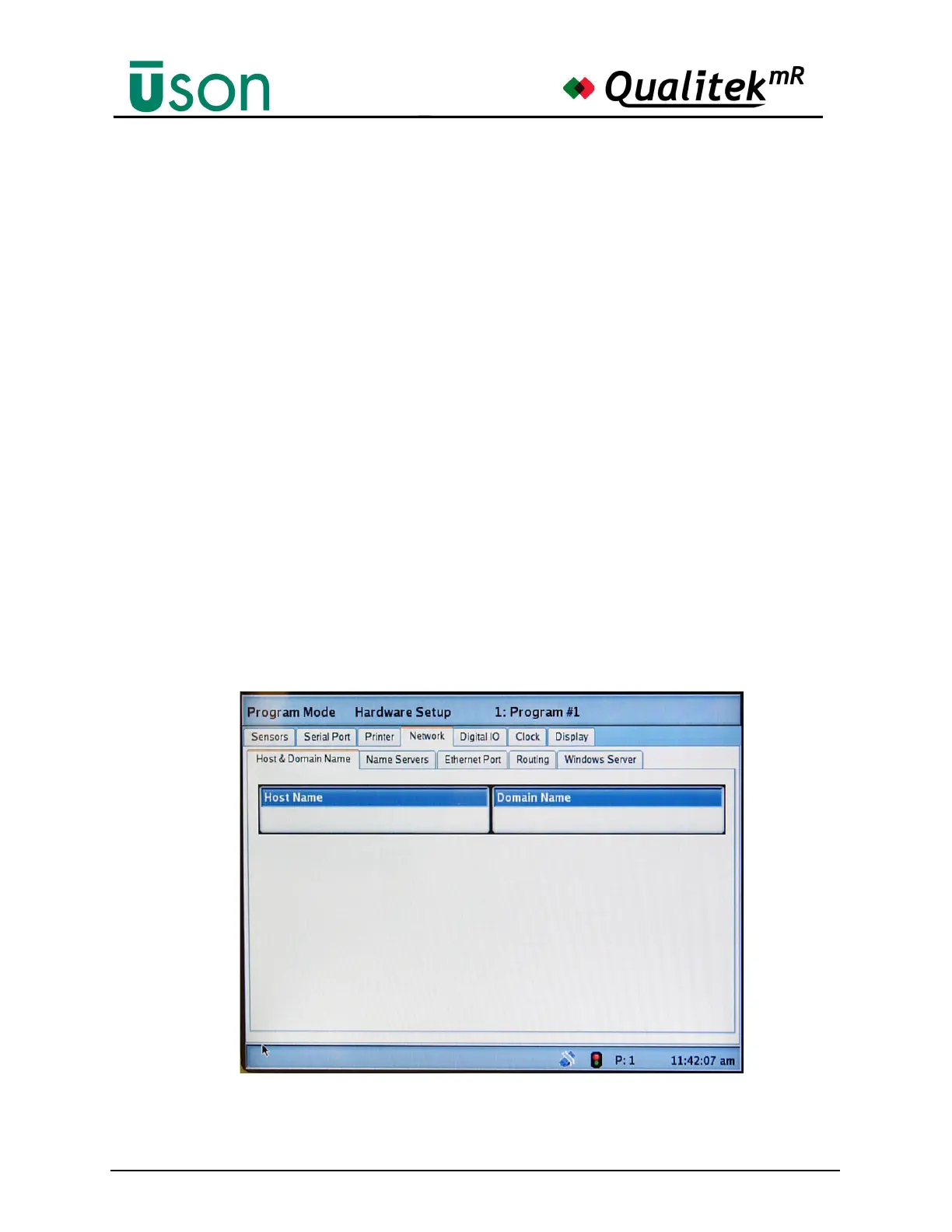
Network Configuration
Network configuration parameters are entered from the Program Mode “Hardware
Setup” Network tab page. These items are described in the following sub-sections.
NOTE: The parameters on the first four tabs (i.e. Host & Domain Name, Name
Servers, Ethernet Port, and Routing) should be entered first, before the Ethernet
cable is connected. After these are entered and saved (by cycling the keyswitch
from Program Mode to Run Mode), the tester should be powered off, the Ethernet
cable should be connected, and the tester should be turned on again. Only after
these preceding steps are completed should the Windows Server parameters on
the last tab be entered.



 To Next Page