5-18 Qualitek mR Owner’s Guide
5.2.6.2 Digital I/O Status
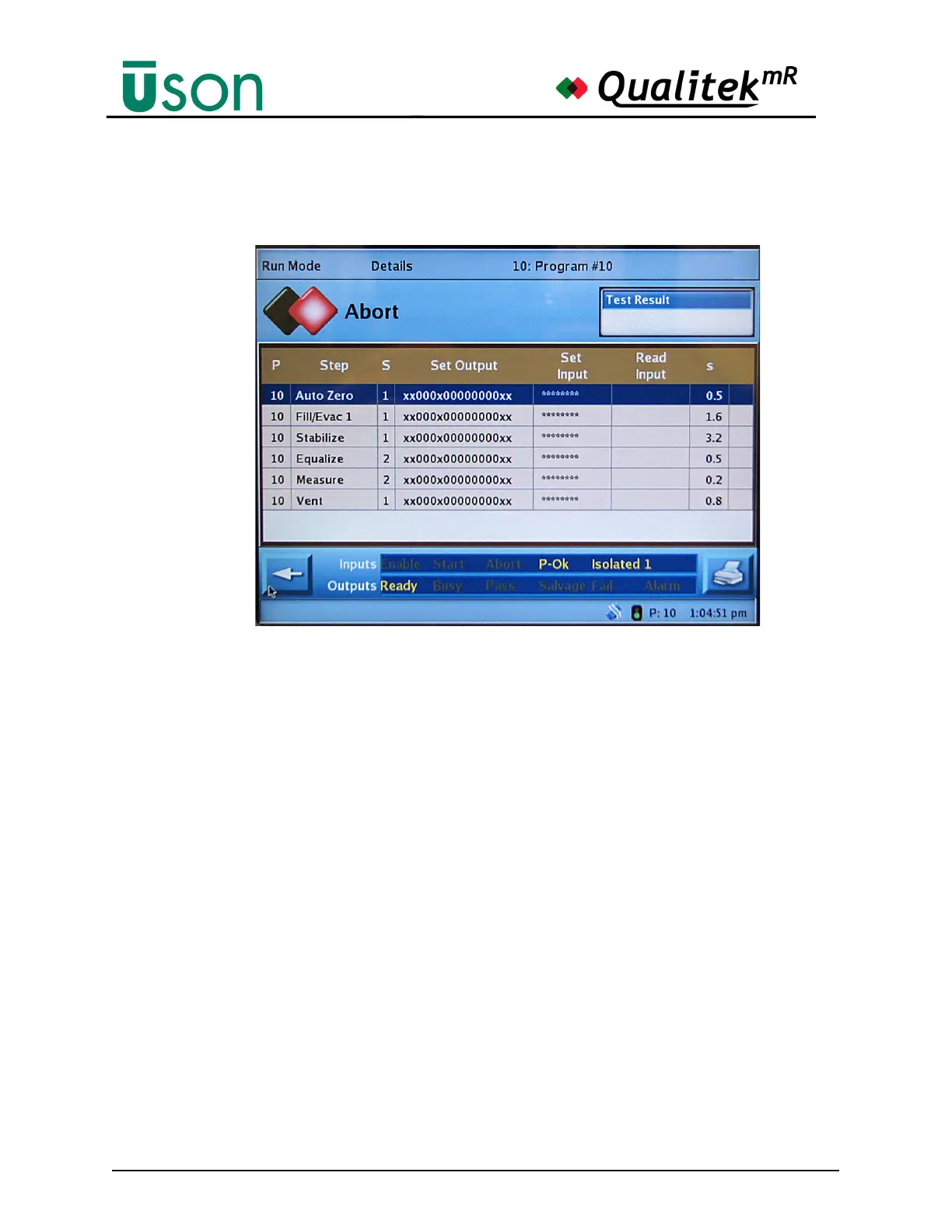
Tapping the center of the Details display will toggle the display to the Digital I/O
Status Details display.
This display has the most complete information if the expanded I/O option is
installed. The status of the inputs and outputs is shown according to this code:
• * (asterisk) = Disabled
• ON = 1
• OFF = 0 (zero)
• X = Don’t care



 To Next Page