Run Mode 5-31
5.2.10.3 Trend Options Screen
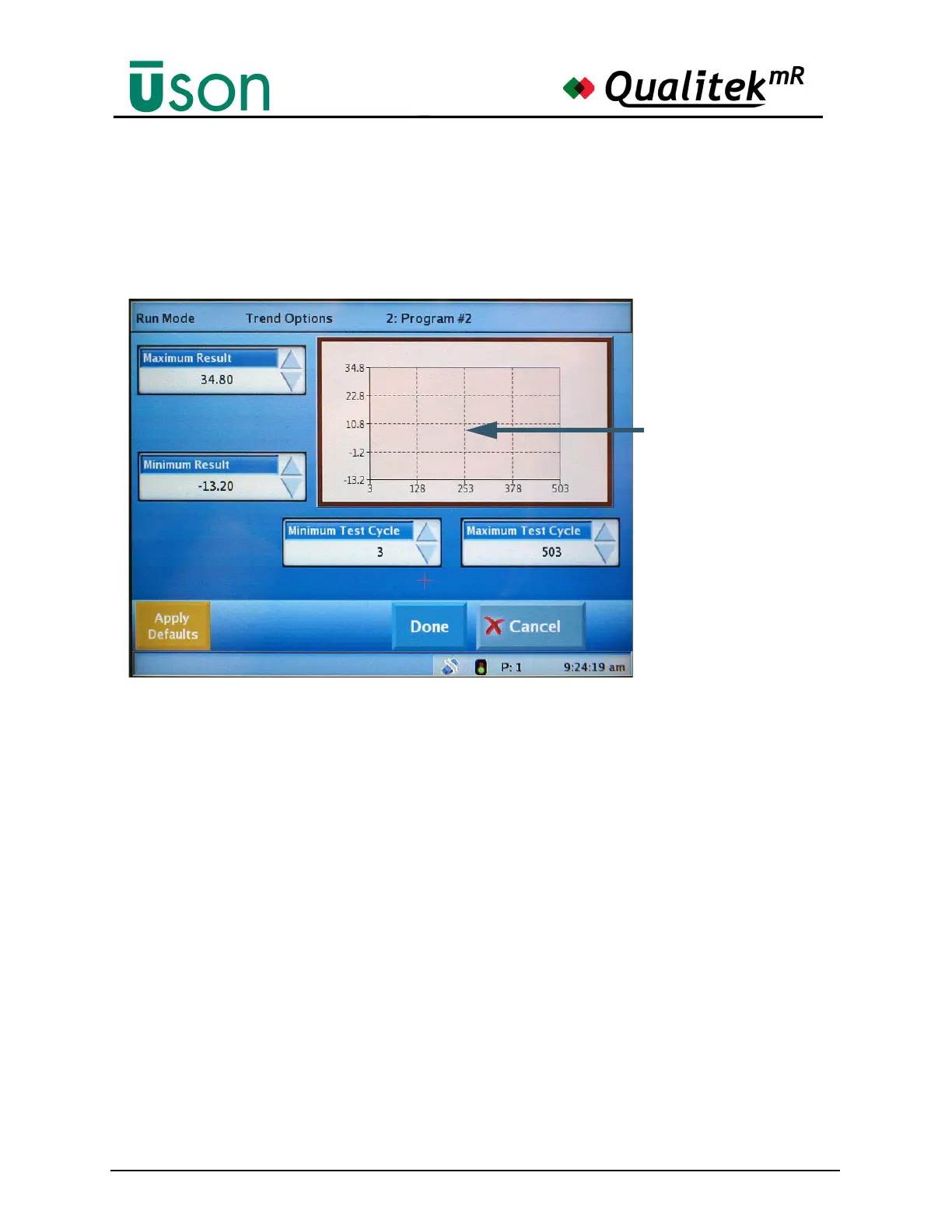
Tapping the axes of plot area on either of the graph axes will open the Trend
Options screen. This screen allows fine tuning the range of the axes so that the
desired areas can be seen in detail. Changes made here will carry over to the main
(previous) screen when Done is selected.
Selecting Cancel will quit this screen without making any changes.
The Apply Defaults button will return all settings to default values.
Touch and drag in this
area to position the plot
as desired when wishing
to see details.
The plot can be magnified
by changing the values in
the data boxes.



 To Next Page