4-4 Qualitek mR Owner’s Guide
4.2.3 Security Key
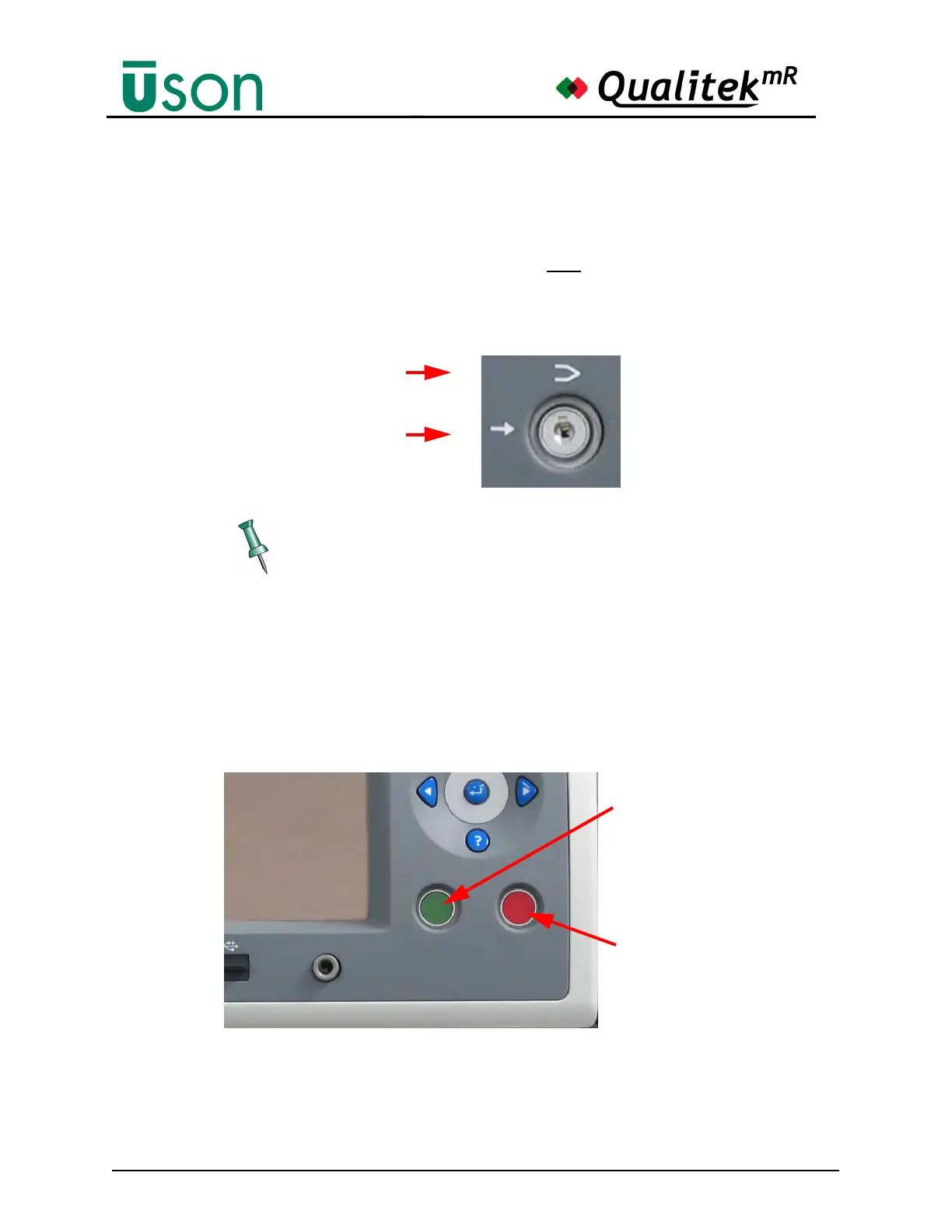
Qualitek mR is in Run mode when the key is horizontal. Turn the key to the
vertical position for Program mode.
Changes made in Program mode are saved only when the key is used to return to
Run mode.
The symbols for these modes are shown in the following illustration.
4.2.4 Start and Abort Buttons
Press the green Start button to start a test. The red Abort button will immediately
stop a test.
If the Remote Start Option is selected, program start is not available from the front
pane, and the Start and Abort switches disable. See "Tester Control" on page 6-45.
The tester must be in Run mode to use the Start button.



 To Next Page