5-12 Qualitek mR Owner’s Guide
5.2.4 Symbols
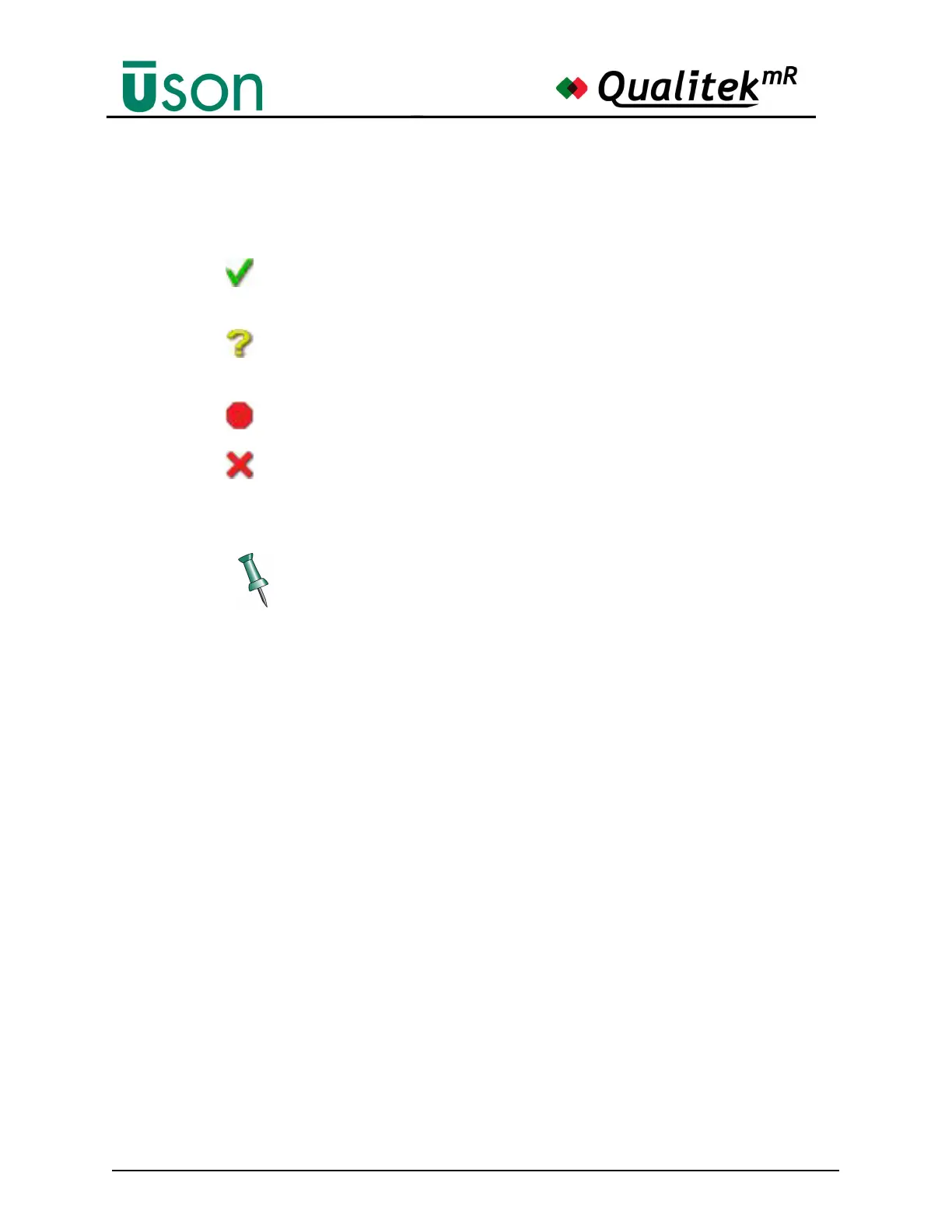
The symbols shown below are used on some screens and they are defined as
follows:
The check mark indicates a step or operation has completed successfully.
Basically it indicates OK.
The yellow question mark is used to indicate a questionable step result or
a salvage result.
The red octagon means the step stopped or was aborted before finishing.
The red x shows that the step failed or that the step result is failed.
Basically, it indicates NOT OK.
The symbols listed above have the same meaning on every screen where they
may appear.



 To Next Page