6-32 Qualitek mR Owner’s Guide
6.2.3.7 Diagnostics
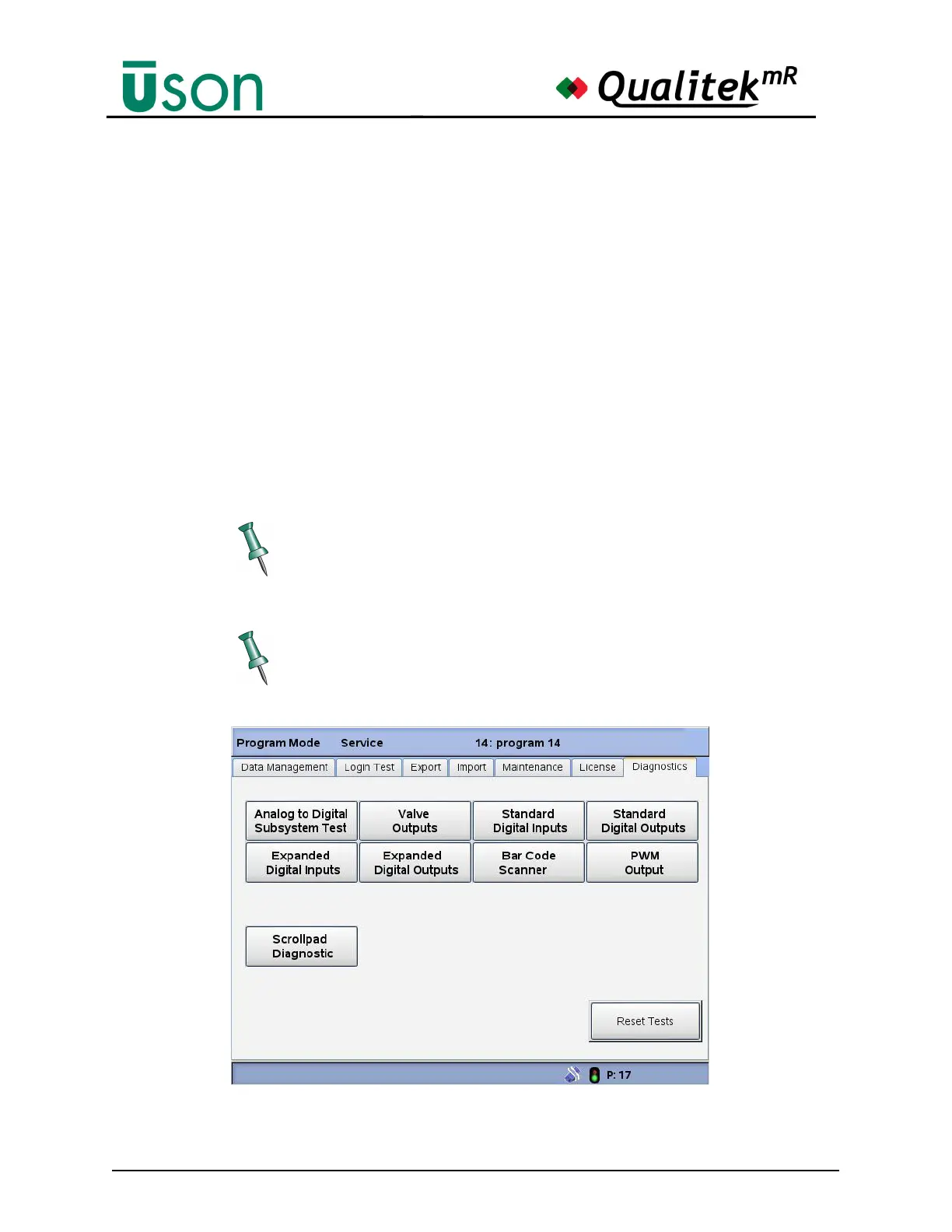
The Diagnostics main screen (shown below) provides several system diagnostic
subscreens/selections, including:
• Analog to Digital Subsystem Test
• Valve Outputs:
• Standard Digital Inputs
• Standard Digital Outputs
• Expanded Digital Inputs
• Expanded Digital Output
• Bar Code Scanner Diagnostic
• PWM Output
• Scrollpad Diagnostic
To Exit any diagnostic menu, select the Diagnostic Tab, then select the Reset
Tests button.
Tester diagnostic selections may vary depending on tester specifications.



 To Next Page