6-54 Qualitek mR Owner’s Guide
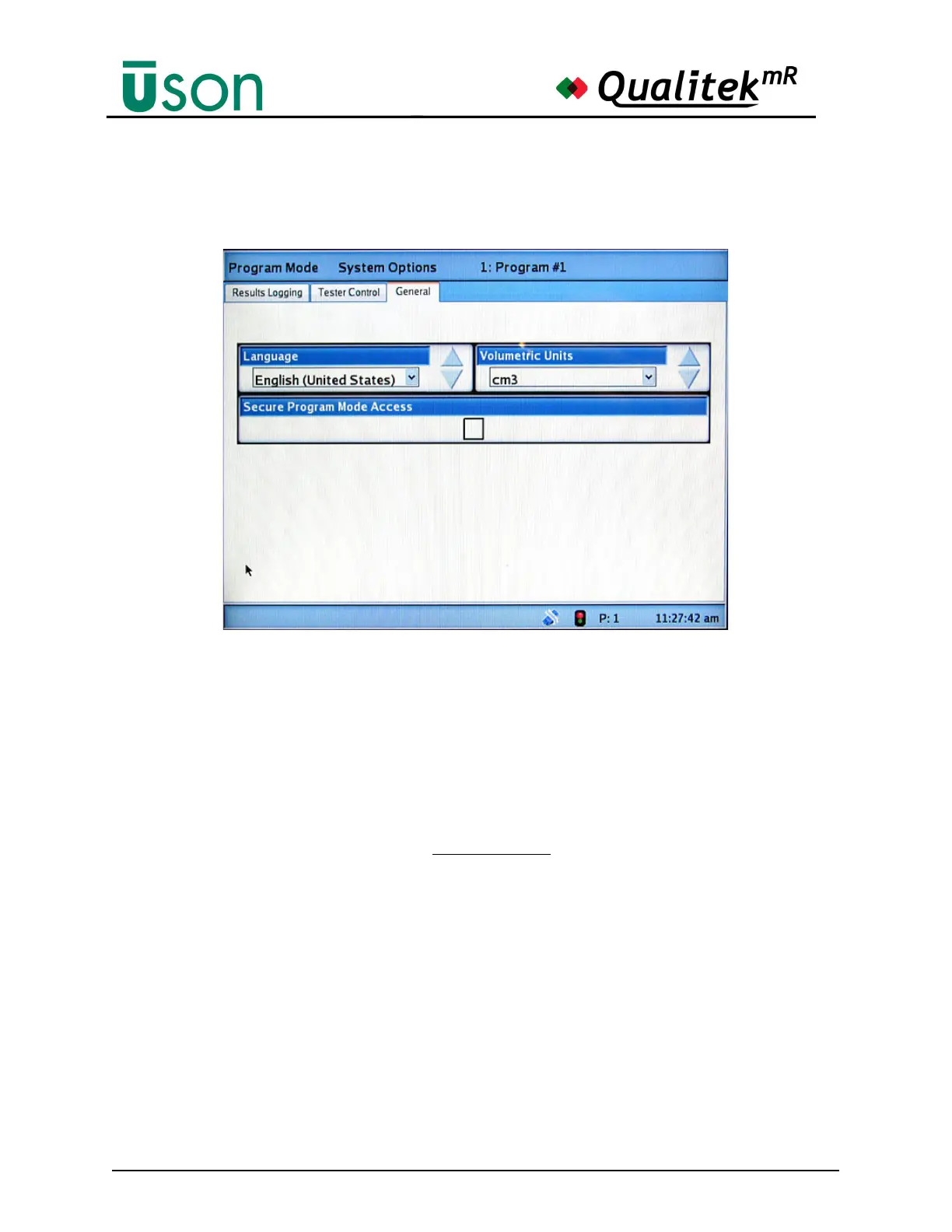
6.2.4.6 General
Use this screen to set the general parameters for the tester.
Language
Select the desired language. After changing the language selection, turn the key to
Run mode and cycle power on the tester. When the tester completes power up, the
new language will be in effect.
Secure Program Mode Access
Select the check box to require the use of the keyswitch to select between Run and
Program Modes.
Bear in mind that the key is always required
to save settings regardless of how this
option is set.
6.2.4.7 Bar Code Option
The Bar Code option allows a particular test program to be selected when the
corresponding barcode is scanned. Also, the tester may be setup to begin testing
when a barcode is scanned.
To use any of the Bar Code features (program selection and remote start), the
Tester Control tab must be set to use one or both of the features. The sample
display below shows that both features have been selected. When either or both of
these features are selected, further settings are made available on the Bar Code tab.



 To Next Page