Program Mode 6-29
6.2.3.5 Maintenance
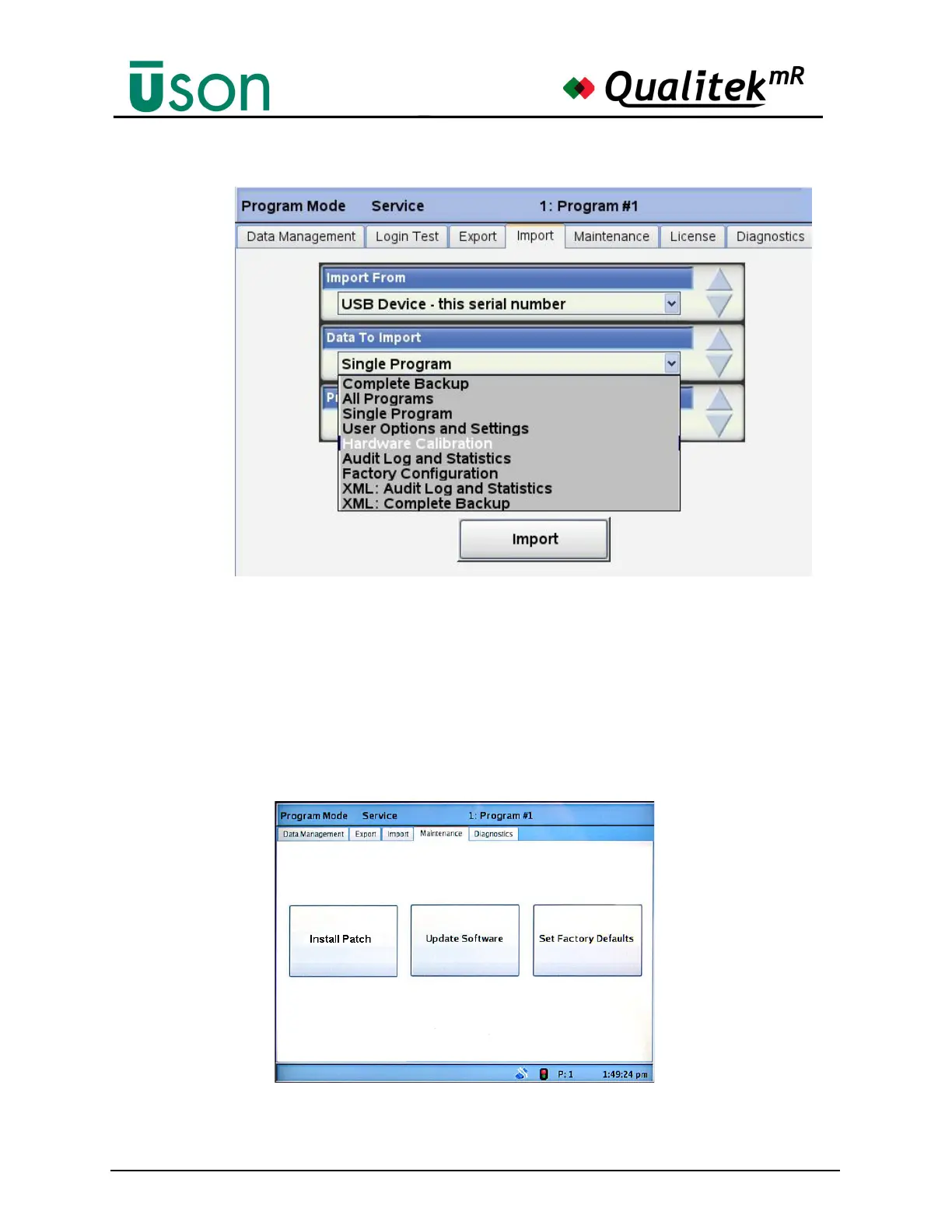
This screen allows updating the tester software by using the Update Software
button. The update file must be on a USB memory stick inserted in the front panel
USB slot.
Set Factory Defaults
The
Set Factory Defaults
button is pressed to reset all tester settings to factory default
values. When pressed, a warning box will ask for confirmation of the request and it
may be cancelled at that point, if desired.



 To Next Page