Run Mode 5-3
5.1.1 USB Keyboard
A generic USB keyboard can be
connected to either the front or
rear USB connector. Input from
the keyboard is accepted
whenever a keypad is on the
screen.
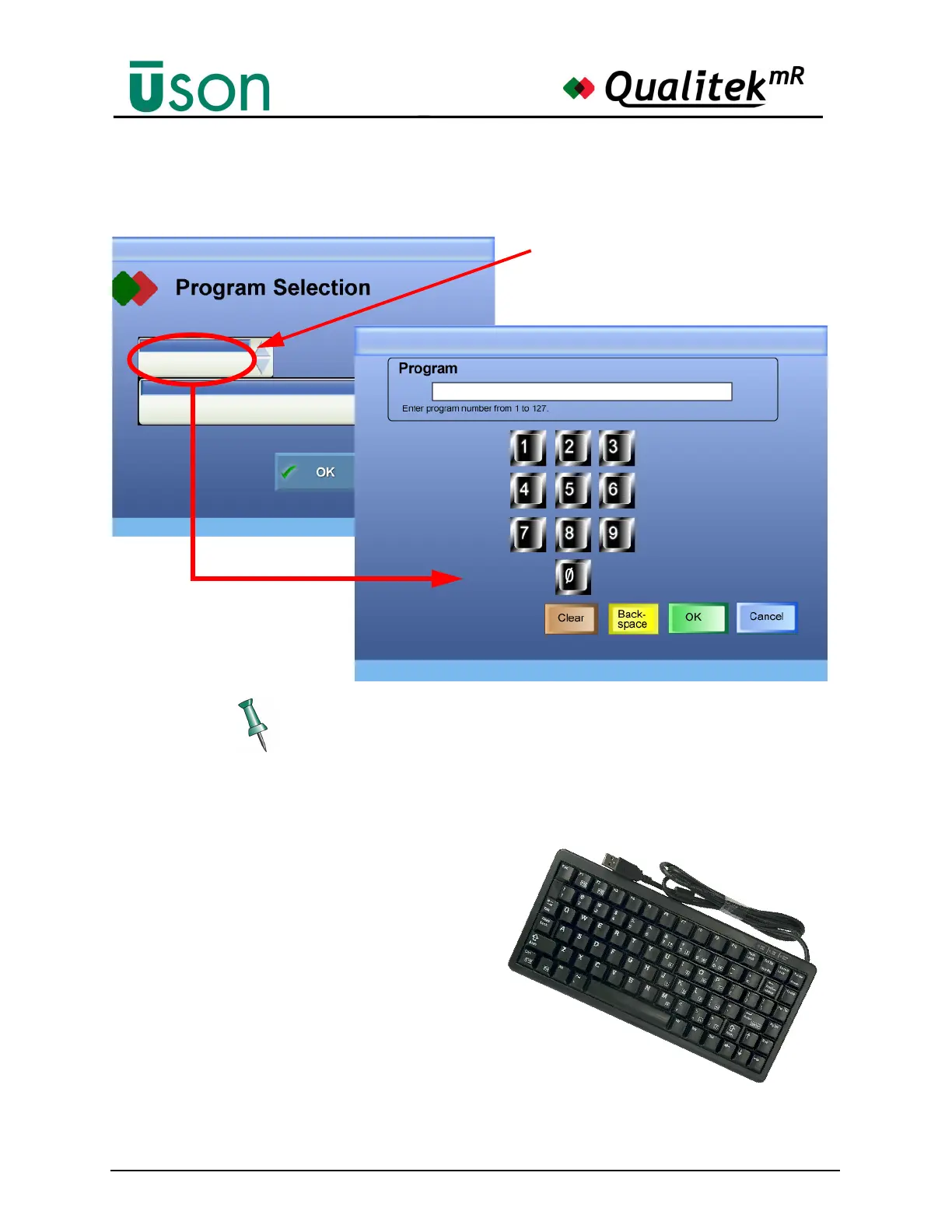
Keypads appear when it is necessary to enter characters or numbers in a data
bar. A USB keyboard can be used, if desired.
Program
Program Name
1
Descriptive Program Name #1
Run Mode Dashboard (Current Program)
Run Mode Dashboard
(Current Program)
Tap the Program data bar to use the
numeric keypad.
Selecting a Program: Method 2



 To Next Page