5-10 Qualitek mR Owner’s Guide
5.2.3 Run Mode Icons
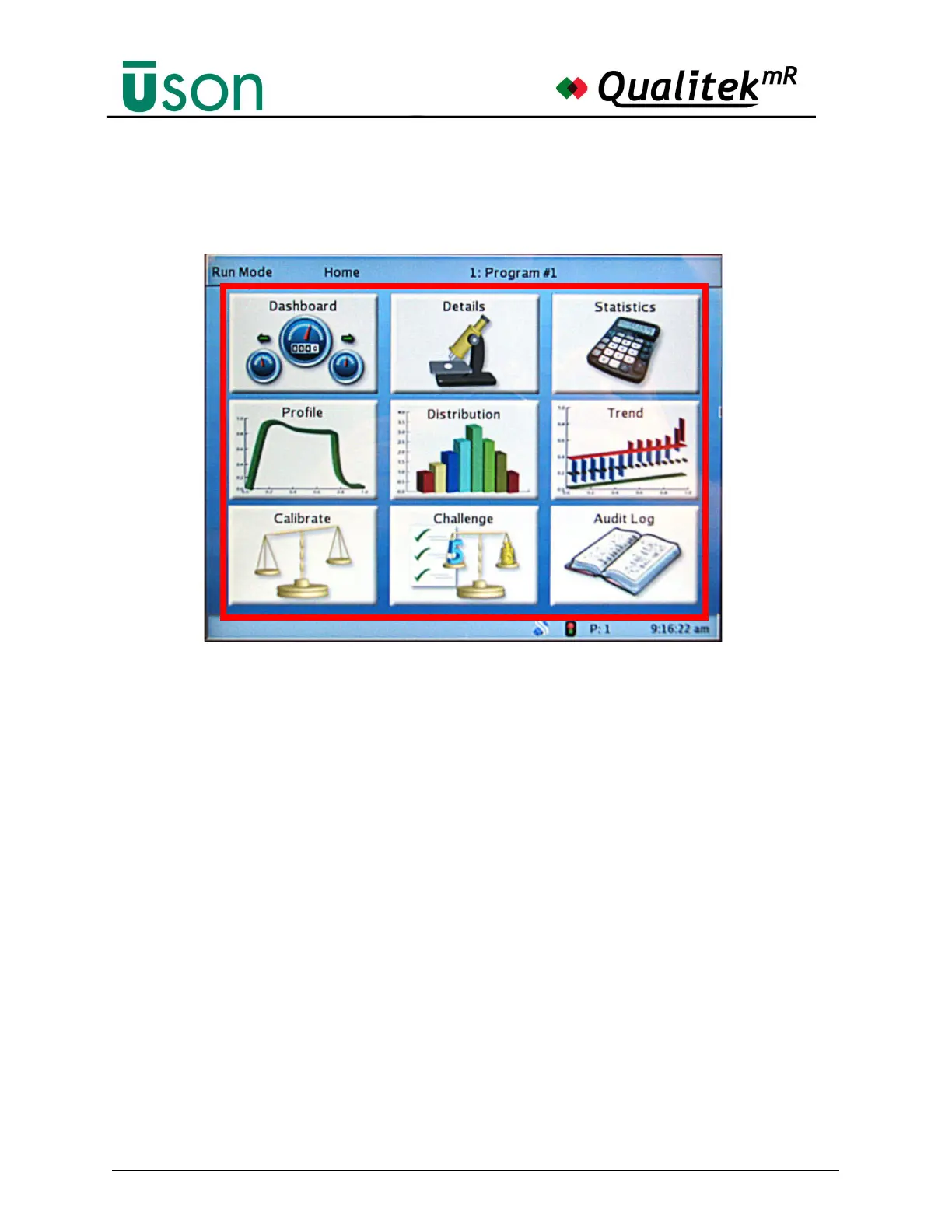
Nine large icons occupy the center of the display and are the gateways to the areas
of the tester that an operator is likely to need.
These icons represent:
• Dashboard: See "Dashboard" on page 5-13.
• Details: See "Details" on page 5-16.
• Statistics: See "Statistics" on page 5-19.
• Profile: See "Profile" on page 5-21.
• Distribution: See "Distribution" on page 5-24.
• Trend: See "Trend" on page 5-26.
• Calibrate: See "Calibrate" on page 5-32.
• Challenge: See "Challenge" on page 5-34.
• Audit Log: See "Audit Log" on page 5-36.
Note that the Calibrate button is “grayed out” (dimmed) if a Leak Rate test is not
selected. (See page 5-11.)



 To Next Page