6-16 Qualitek mR Owner’s Guide
6.2.2.5 Linking
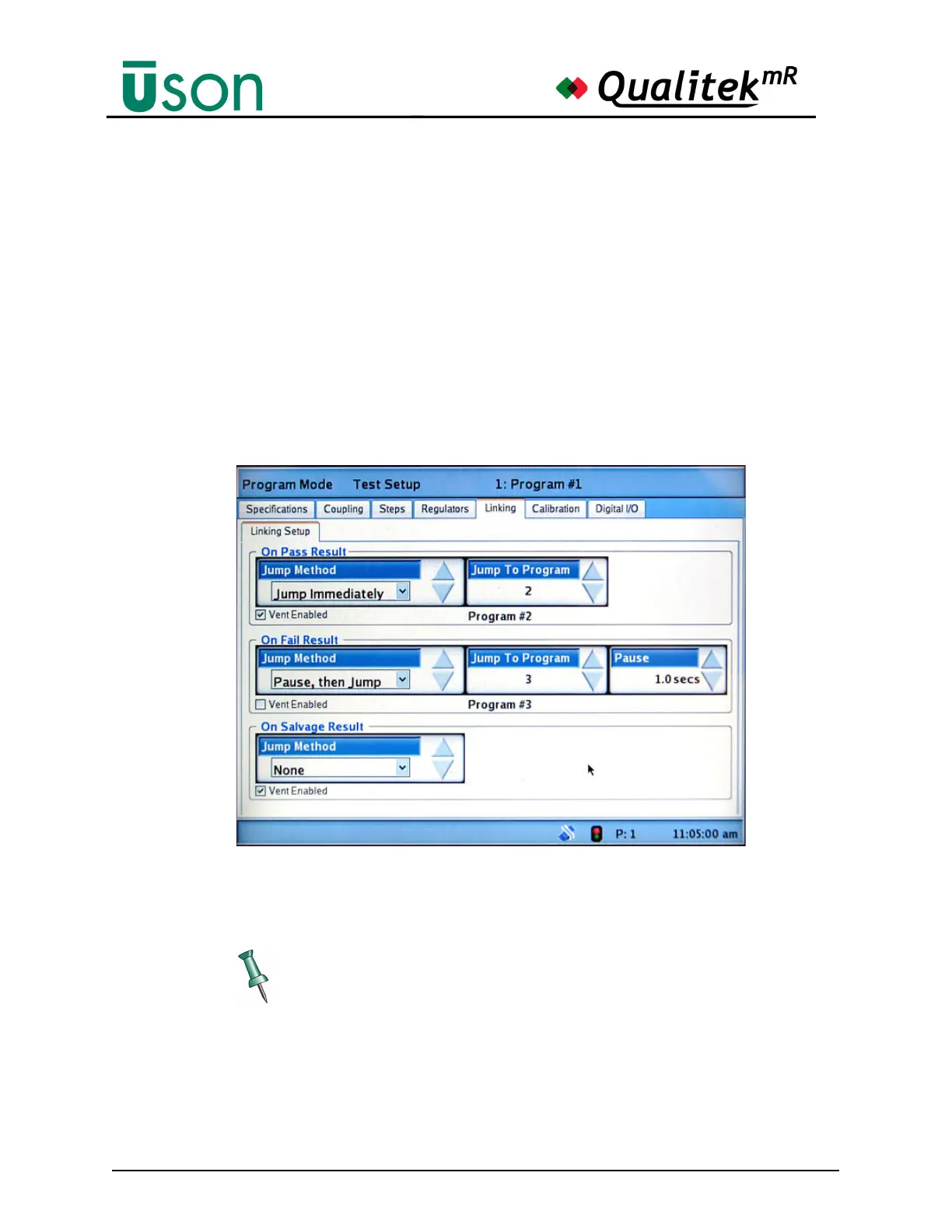
Linking is used to jump to another program based on the current test’s outcome. It
is possible to set a unique link behavior for test results that are Pass, Fail, or are
Salvage.
The jumping behavior can be set to:
• None
• Jump Immediately: Jump when the test cycle ends.
• Wait For Signal: Jump when a start signal is received, either from the digital
input on the rear panel or by pressing the front panel Start button.
• Pause, then Jump: Jump when the test cycle ends after a specified delay.
If “Pause, then Jump” is selected, a data box appears for the purpose of entering
the amount of time for the pause.
It is possible to choose a specific venting behavior for each result by using the Vent
Enabled box in the Linking Setup. Choose to enable or disable the vent with the
checkbox.
When Linking is used in a test, the Status Bar will show P:X where X is the
current linked program. This allows confirmation of the progress of linked
programs.



 To Next Page