Program Mode 6-3
6.2.2 Test Setup
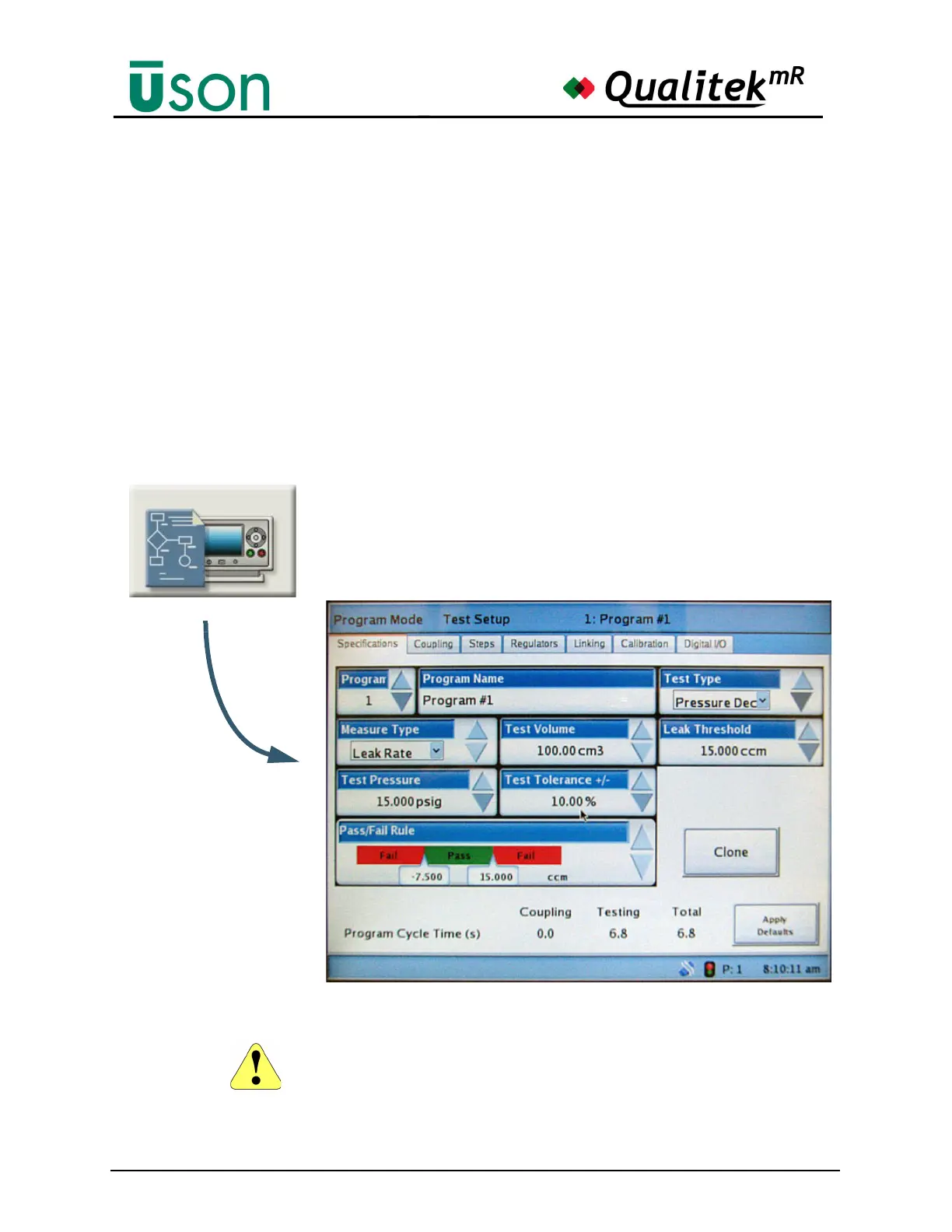
This screen gives an overview of the main settings for the selected program.
The tabs, in this case 6 of them, are used to move to different screens in Test Setup.
The screens are:
• Specifications. See "Specifications" on page 6-4
• Coupling. See "Coupling" on page 6-7
• Steps. See "Steps" on page 6-10
• Regulators. See "Regulators" on page 6-15
• Linking. See "Linking" on page 6-16
• Calibration. See "Calibration" on page 6-17
• Digital I/O (Optional). See "Digital I/O" on page 6-22
Changes made in Program Mode are NOT saved until the tester is returned to
Run Mode by using the KEY.



 To Next Page