Run Mode 5-17
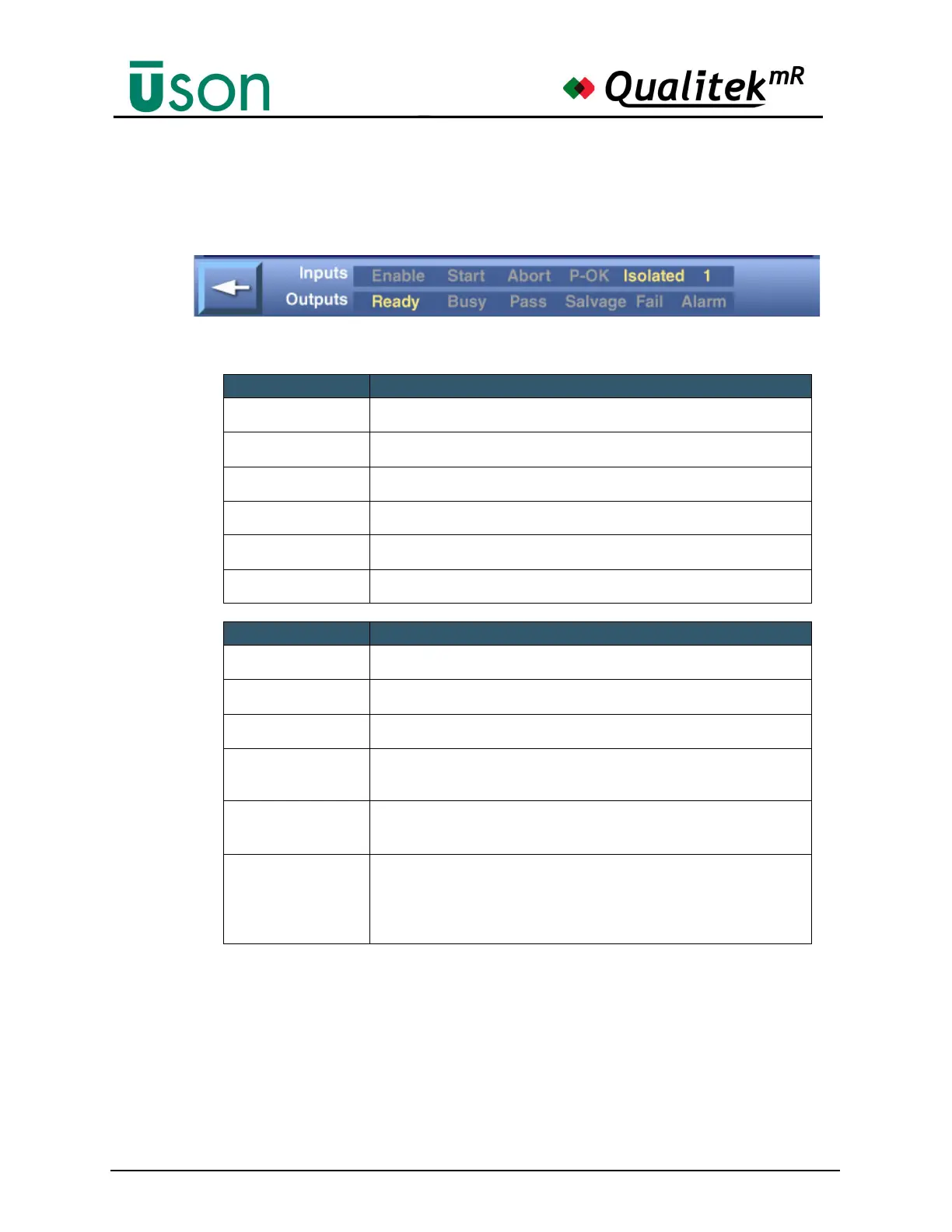
5.2.6.1 Input - Output Status Bar
The informative bar at the bottom of the Details screen shows the status of Inputs
and Outputs.
Inputs When Illuminated
Enable Enable is sensed
Start Start signal received
Abort Abort signal received
P-Ok P-Ok illuminates when pressure circuit is functioning properly. This is
an internal signal only.
Isolated Test and Reference components are isolated from each other. This is an
internal signal only.
Number X
(seen at right of Inputs
line)
Shows the decimal equivalent of the BCD number sensed at the input.
This would indicate the program number to run from an external start
command. If no digital connection exists, the “none” is always
displayed.
Outputs When Illuminated
Ready Ready to test
Busy Tester is busy
Pass Test has Pass result
Salvage Test has Salvage result
Fail Test has Fail result
Alarm Alarm output activated



 To Next Page