License Updates 10-5
10.4 License Update by Keyboard
The license number may have been provided to you in written form or telephone
call. If this is the case, the license has be entered using the QmR keyboard
functions. Follow the steps given below to manually update the license.
For the purposes of explaining how the keyboard is used to enter the license, we
will use the following example of a license number:
AABPAA-APE222-6UYPGR-5YIOG4
QmR licenses are not case-sensitive, so the license above is identical to its
lowercase equivalent below:
aabpaa-ape222-6uypgr-5yiog4
Lowercase entry is helpful because it simplifies the keyboard process. (We won’t
have to press the Case key to make uppercase letters.)
It is helpful to remember that the license number is 27 characters long and
ALWAYS comprises 4 groups of 6 characters with a hyphen between each group.
Note: Your QmR will not accept the generic license shown above. You should use
the license number provided to you by Uson as it is made for your tester.
1. With the QmR running, turn the key to Program Mode.
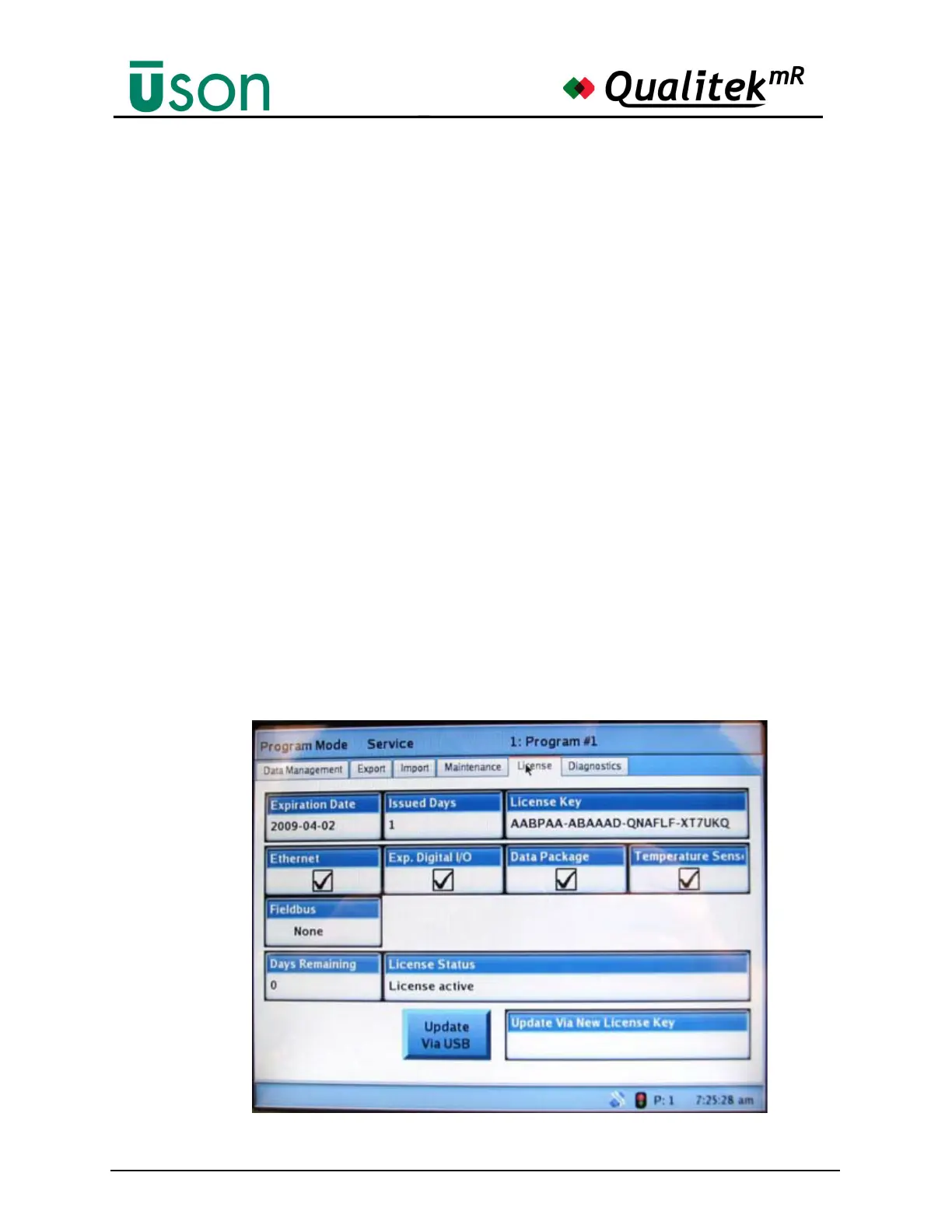
2. Go to the Service screen and select the License tab. A screen similar to the one
below will be seen.



 To Next Page