Reference 8-39
8.13.2 Replacing Soldered-In Batteries
The following instructions are for those who wish to install a battery holder
themselves and replace the battery.
1. Ensure the tester is powered off.
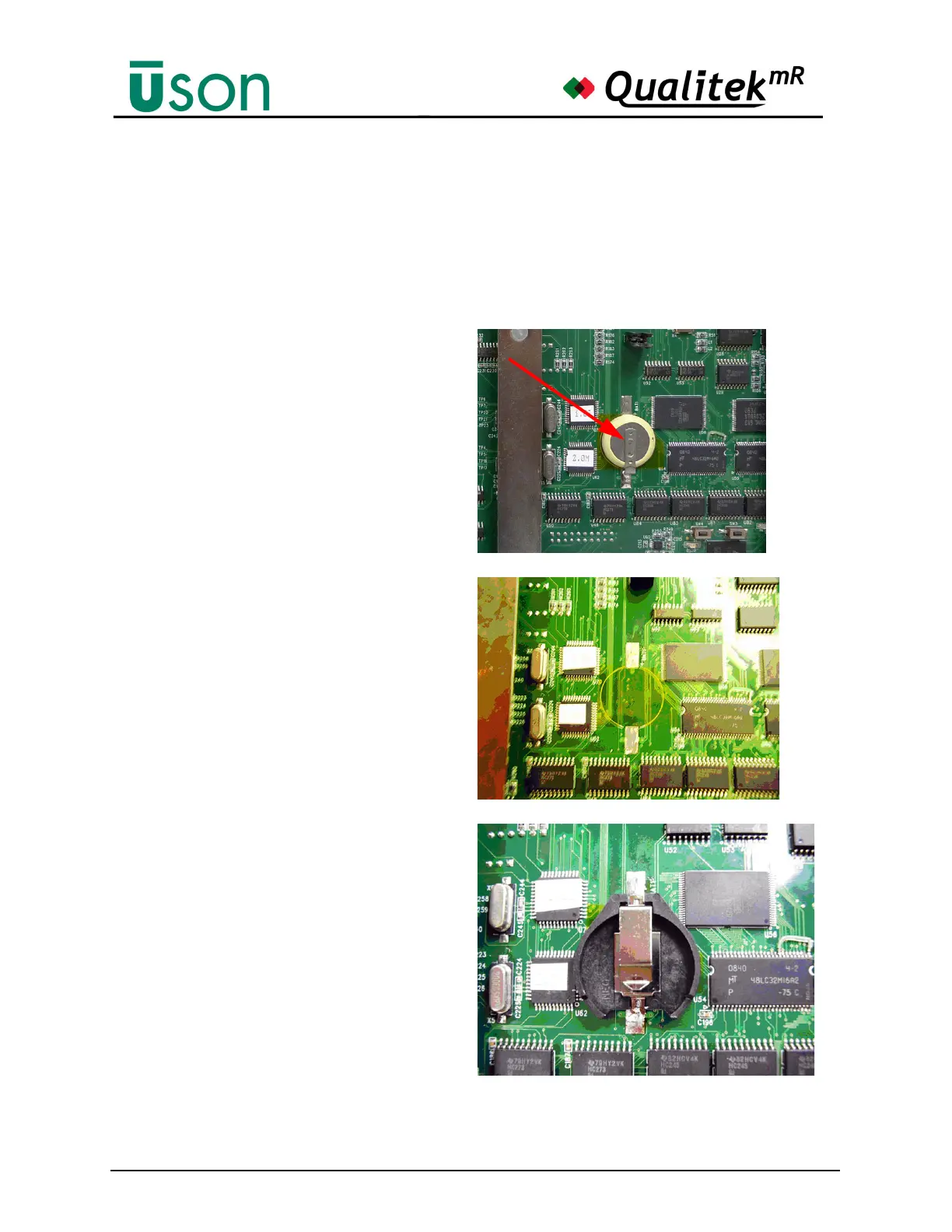
2. Remove the outer cover
from the QMR tester and
locate the battery on the
printed circuit board
(PCB).
3. Use a soldering iron and
remove the battery from
the PCB and clean the
solder pads.
4. Solder the provided
battery holder onto the
PCB, making sure the '+'
on the holder goes to the
'+' pad on the PCB.



 To Next Page