Program Mode 6-39
6.2.4.1 Results Logging
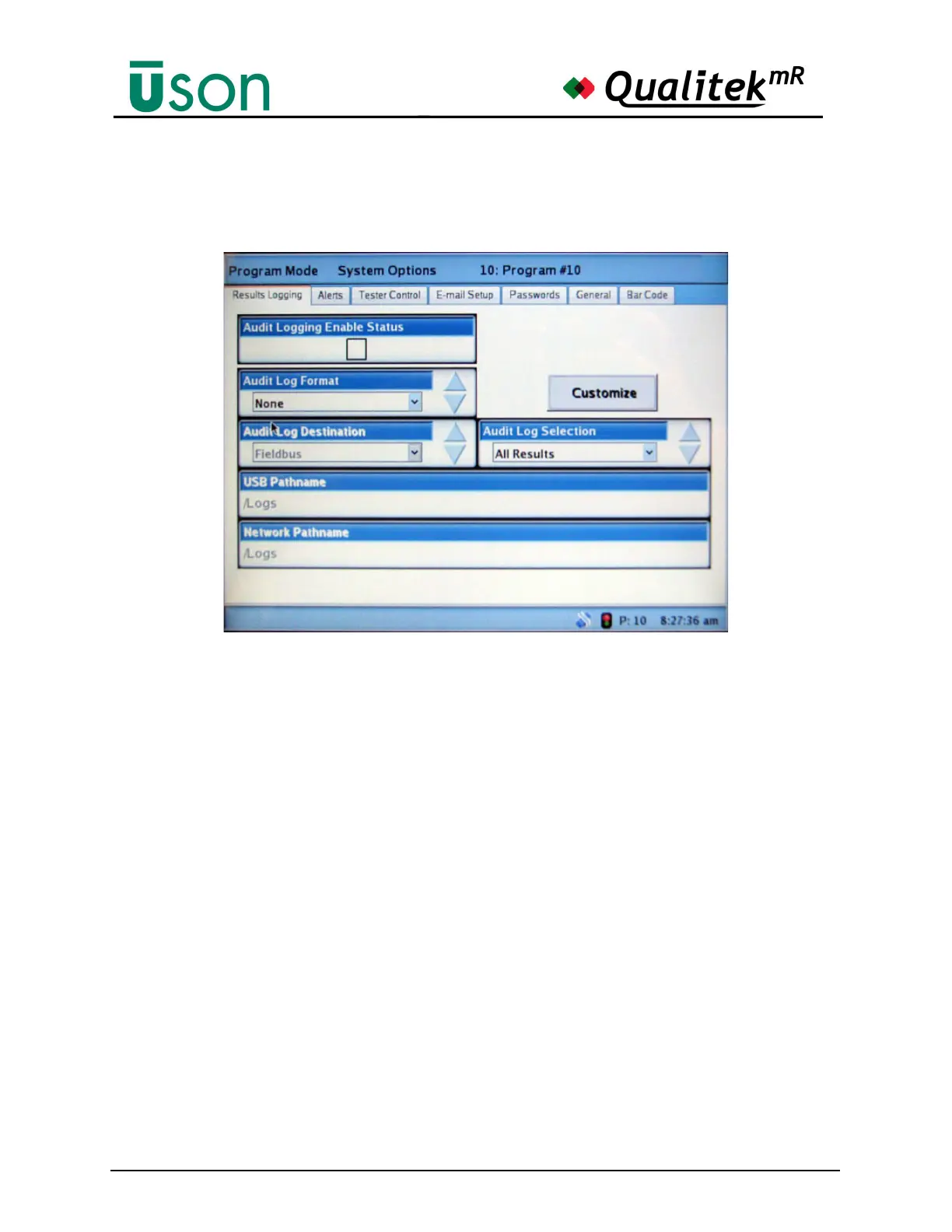
Results logging is customized from the screen.
Audit Logging Enable Status
• This box is automatically checked when the settings on this screen have
been set to allow an audit log to be created.
Audit Log Format
• None
• Standard
• Custom
Audit Log Destination
• None
• USB Memory Device
• Fieldbus or Com Port (whichever is optioned in the tester)
• Windows Network
USB Pathname
This option is only available when USB is set as the destination for the log.
• Enter the path name for the log
See "Data Logging to USB Memory Stick" on page 6-43 for guidance about
logging to a USB memory stick.



 To Next Page