6-40 Qualitek mR Owner’s Guide
Network Pathname
This option is available when Windows Network is set as the log destination.
• Enter the path name for the log
Standard Results Log
When Audit Log Format is set to Standard the following items are logged:
• Cycle Number
• Program Number
• Date
• Time
• Test Measurement
• Test Measurement Units
• Test Result
Customizing the Results Log
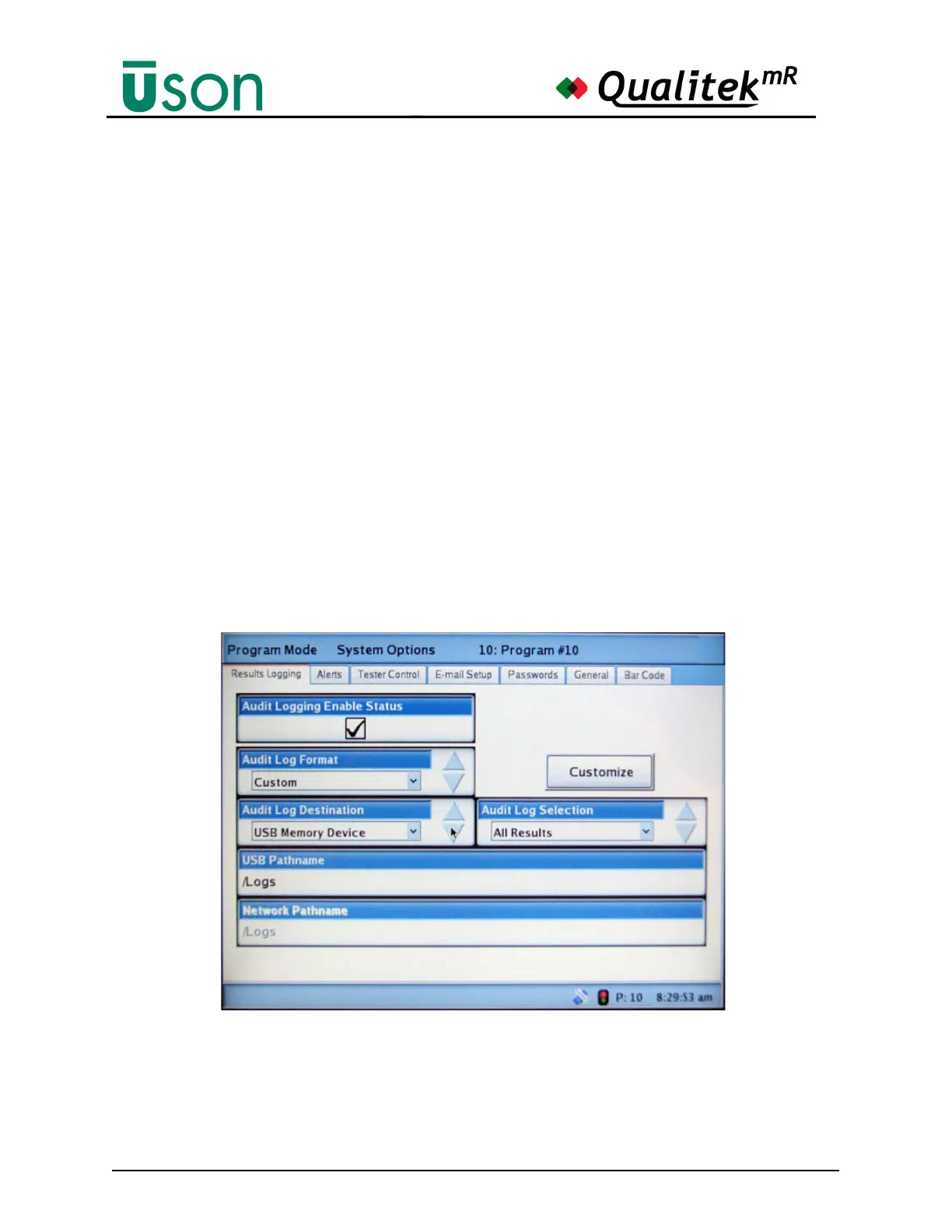
To begin customizing the log, change the Audit Log Format to Custom as shown
below. Note that the Customize button is no longer darkened and so is now
available for use.
Pressing Customize will open the Log Custom Format display as shown below. If
no custom log has ever been created, or if the entire previous log setup has been
deleted, then the window will have no entries as shown



 To Next Page