Program Mode 6-41
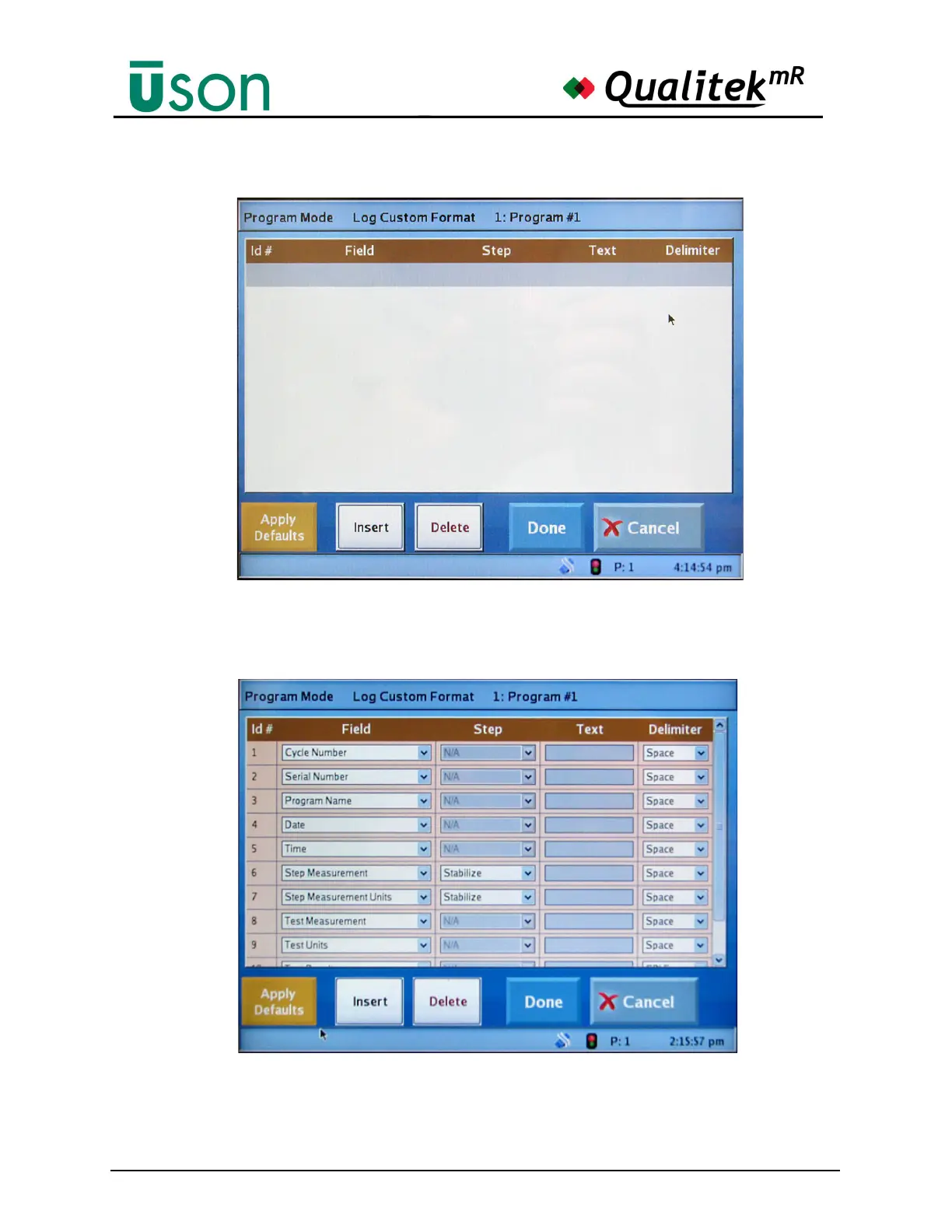
An easy way to populate the screen with the default custom settings is to press the
Apply Defaults button. The screen will now appear as shown below.
Tapping an item in any of the columns will begin the process of customizing that
item, if available. The illustration below shows a typical drop down menu that is
shown when an item in the Field column is tapped.



 To Next Page