6-10 Qualitek mR Owner’s Guide
6.2.2.3 Steps
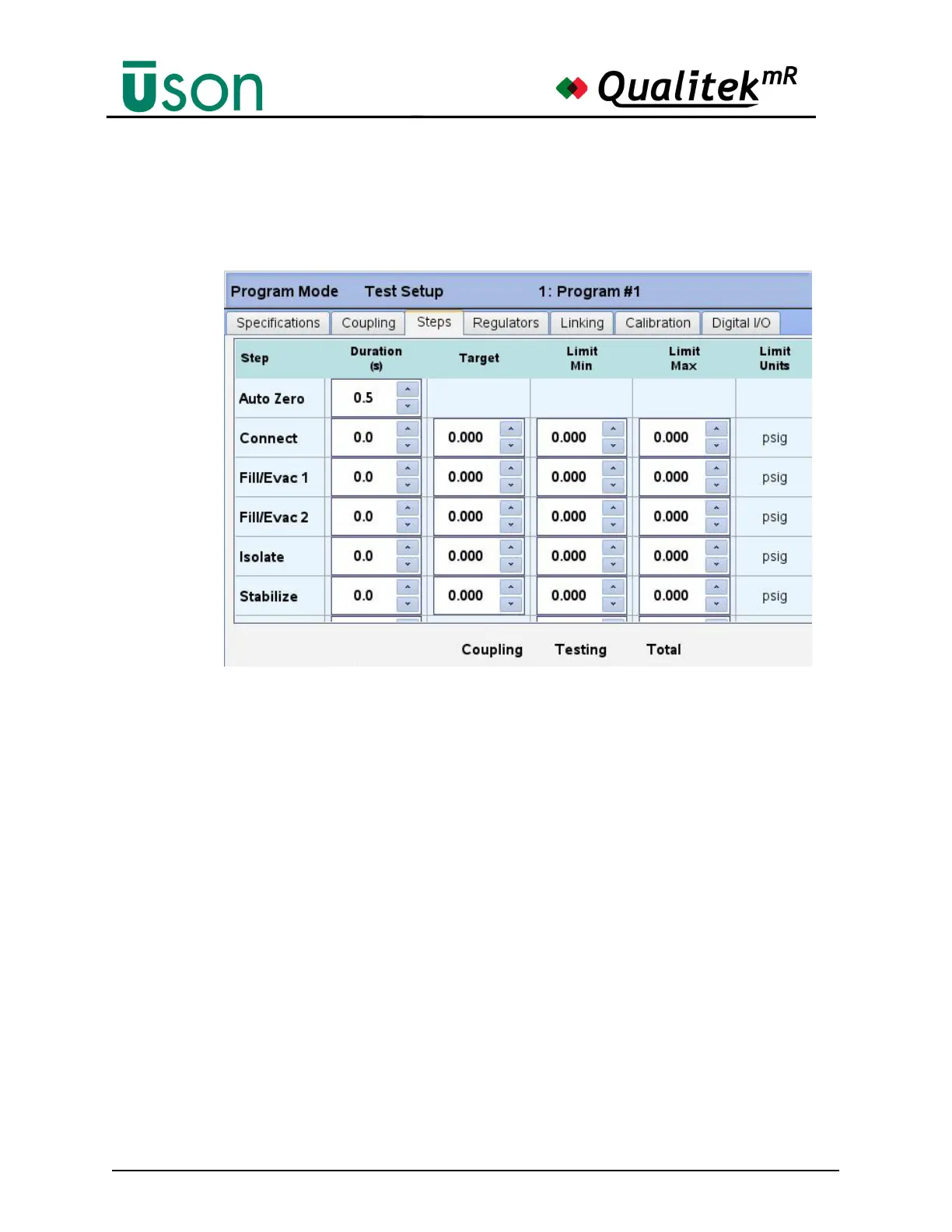
The Steps screen shows the entire setup of the steps for a test. Steps that are not
needed may be set to zero.
Auto Zero
The Qualitek mR’s Auto Zero feature helps to maintain accuracy by eliminating
any long-term zero drift (caused by environmental changes) by venting the sensors
to atmosphere during the Auto Zero step. The subsequent reading is then used as
the new zero value (reference point) for the current test.
To activate Auto Zero, simply enter a desired Auto Zero step duration time (using
the arrows keys, or the pop-up virtual keyboard) into the Auto Zero step Duration
Time field under the Program Mode, Test Setup, Steps tab.
In addition, you will need to choose which sensors you want to apply the Auto
Zone feature to: Sensor 1, Sensor 2, Sensor 3 (depending on your tester model
configuration), or all three. To do this, navigate to the Program Mode, Hardware
Setup, Sensor tab, then check the appropriate checkbox(s). (See page 6-58 and
page 6-58.)
To disable Auto Zero, enter 0 in the Auto Zero Duration Time field.



 To Next Page