Run Mode 5-19
5.2.7 Statistics
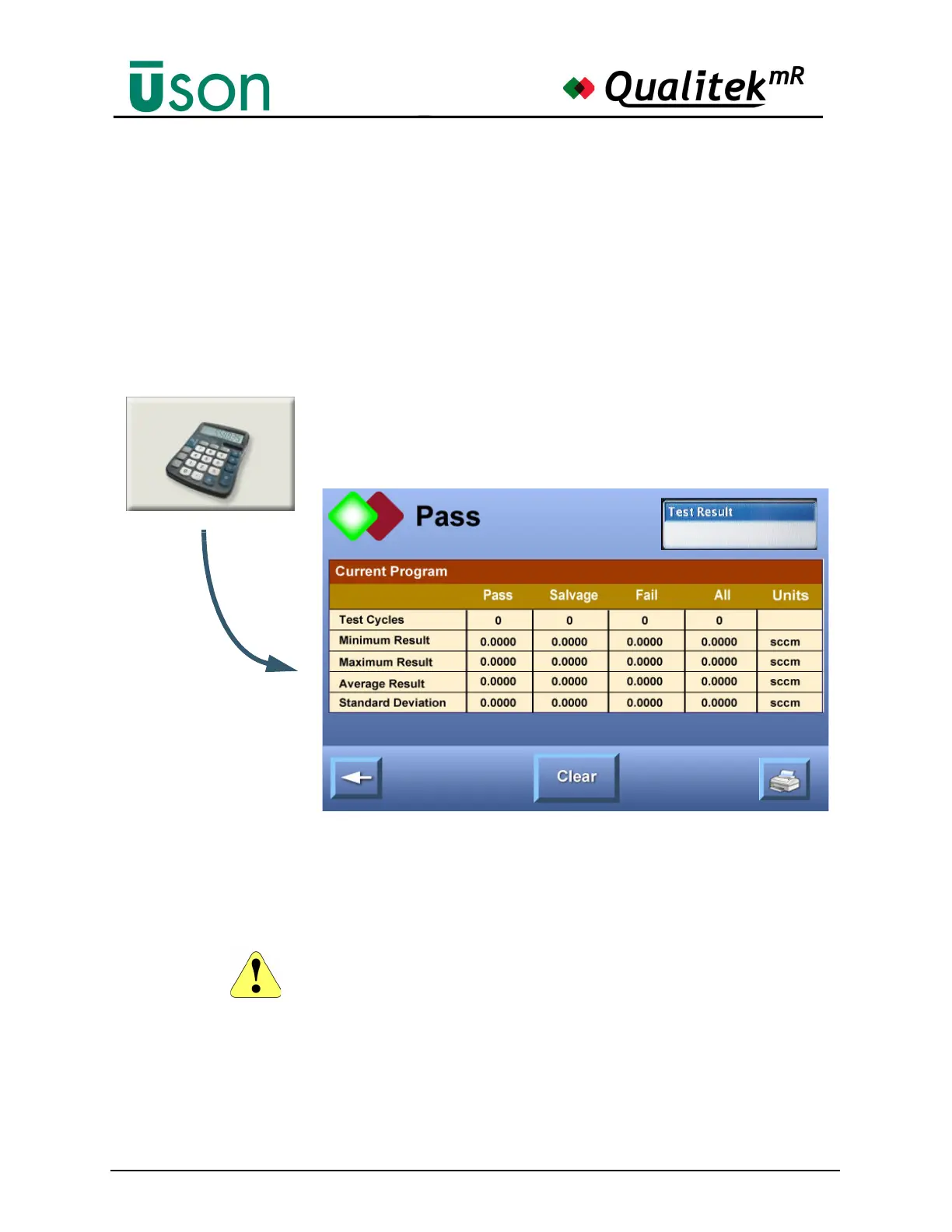
Constantly-updated accumulated statistics are shown on this screen. The displayed
statistics are for the current program only. The Statistics option provides:
• Minimum, Maximum results
• Average results
• Standard Deviation results
• CPK results
Counts are shown for: passed tests, salvaged tests, failed tests, total tests, and
aborted tests.
The Clear button allows the option to clear all programs or just the current
program. The Clear All button clears all statistics.
The Print button will print the information to a printer. Note that the Print button
will be seen only if a printer is selected on the Hardware Setup tab in Program
Mode.
Use the Back button to return to the previous screen.
The Clear All button removes ALL statistics.



 To Next Page