Run Mode 5-25
5.2.9.1 Distribution Options Screen
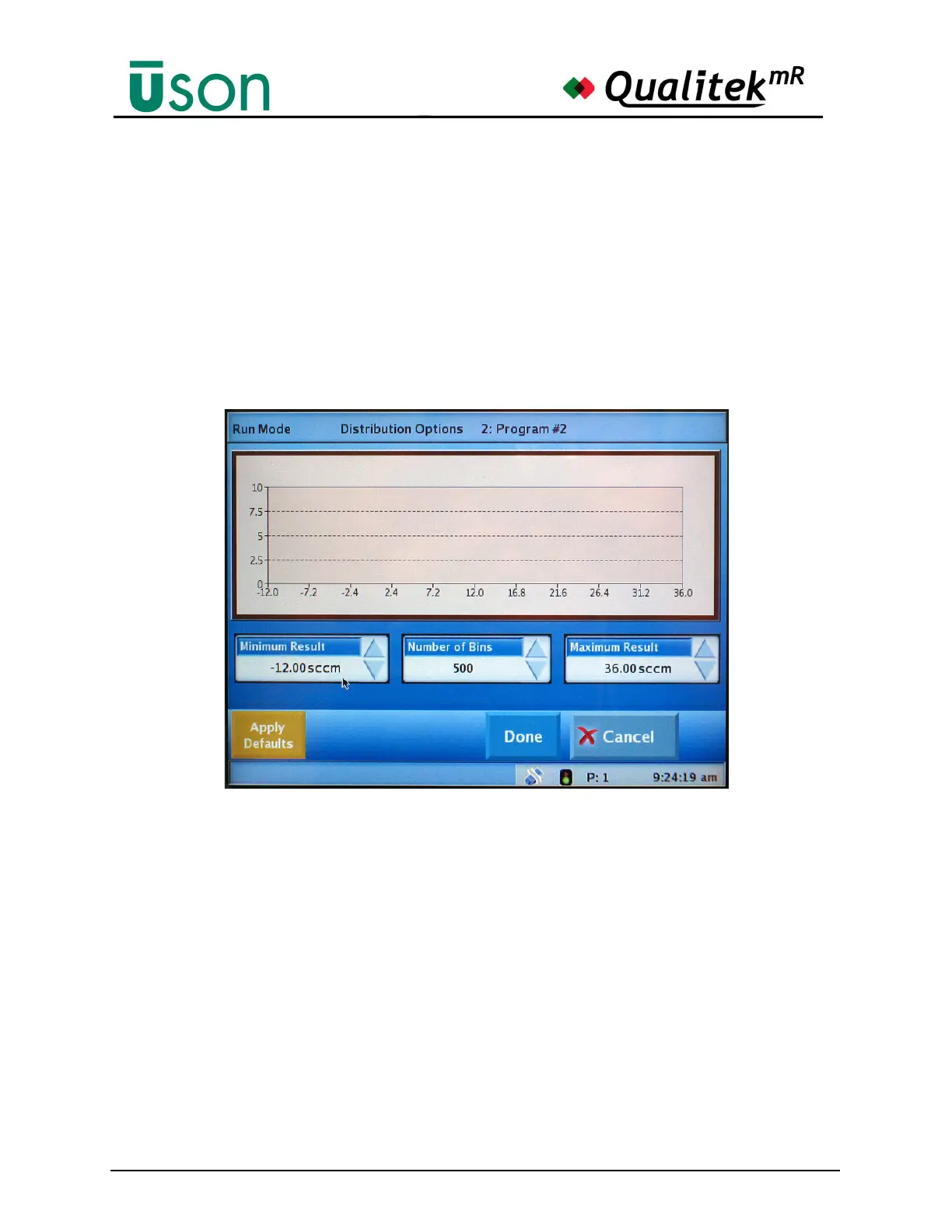
Tapping the plot area along either axis opens the Distribution Options screen
shown in the following illustration.
Use the Distribution Options screen to set the following parameters:
• Minimum Result
• Number of Bins
• Maximum Result
The Options can be saved and transferred to the main Distribution screen by
selecting Done or discarded by pressing Cancel.
Default values can be reset conveniently whenever desired by pressing the Apply
Defaults button.
Number of Bins
When the number of bins is set to a larger value, the width of the bars will become
narrower. At times, with a sufficiently large number, the bars may appear only as
vertical lines. If the results display is not to your liking, all that is needed is to
select new values and tailor the chart to your needs.



 To Next Page