Quick Start 4-7
4.2.7 Test Parameters
Test parameters are setpoints and tolerances that tell Qualitek mR how to conduct
a test and decide whether a product is accepted or rejected. Test parameters are set
in Qualitek mR’s Test Parameters menu.
When Test Parameters are Available
If existing test values are at hand, begin by simply entering those values into the
Qualitek mR. Once all values are set correctly, the Qualitek mR is ready for fine
tuning.
When Test Parameters are not Available
If there are no established test values, some experimenting is needed to arrive at
values for pressures, flow rates, and times best suited to the product. Little effort is
required to program Qualitek mR after test parameters are established. Yet, coming
up with test values takes consideration when starting from scratch.
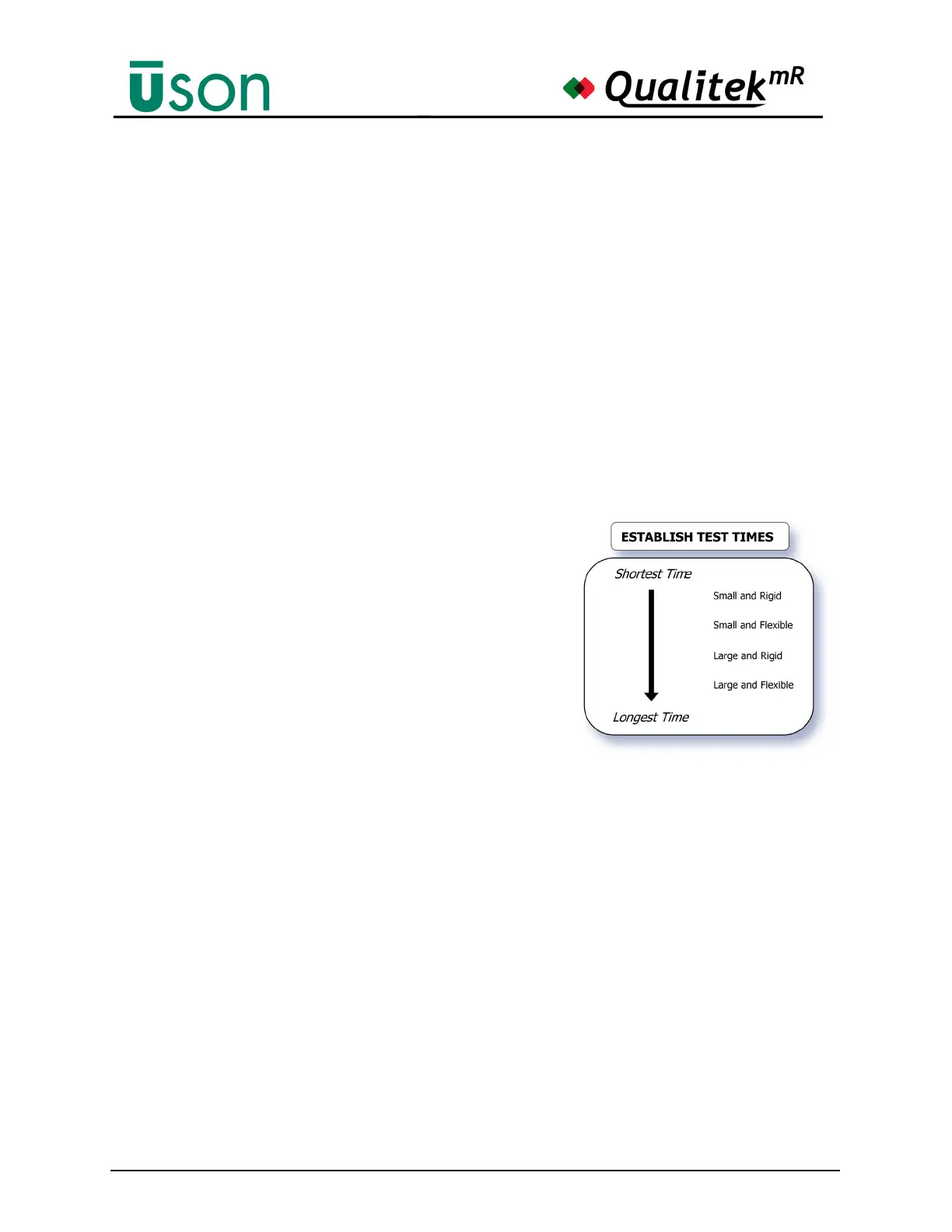
Setting Test Time
As test times are developed, keep in mind
the size and material of parts to be tested.
Parts that are both small and rigid typically
require short test times. Parts that are both
large and flexible generally require longer
test times.
Avoid the Tendency to “Over-Test”
Optimum setup values are typically
established after trial and error when
working with known good and bad product
samples. One point to keep in mind is not to over-test product. Avoid setting leak
tolerances too tight with the idea that absolutely no leak is acceptable. Through
experimentation you’ll probably find that a small pressure drop occurs simply due
to how your product behaves during pressurization. Many products create
conditions that merely appear to be small leaks when pressurized.



 To Next Page