6-38 Qualitek mR Owner’s Guide
6.2.4 Options
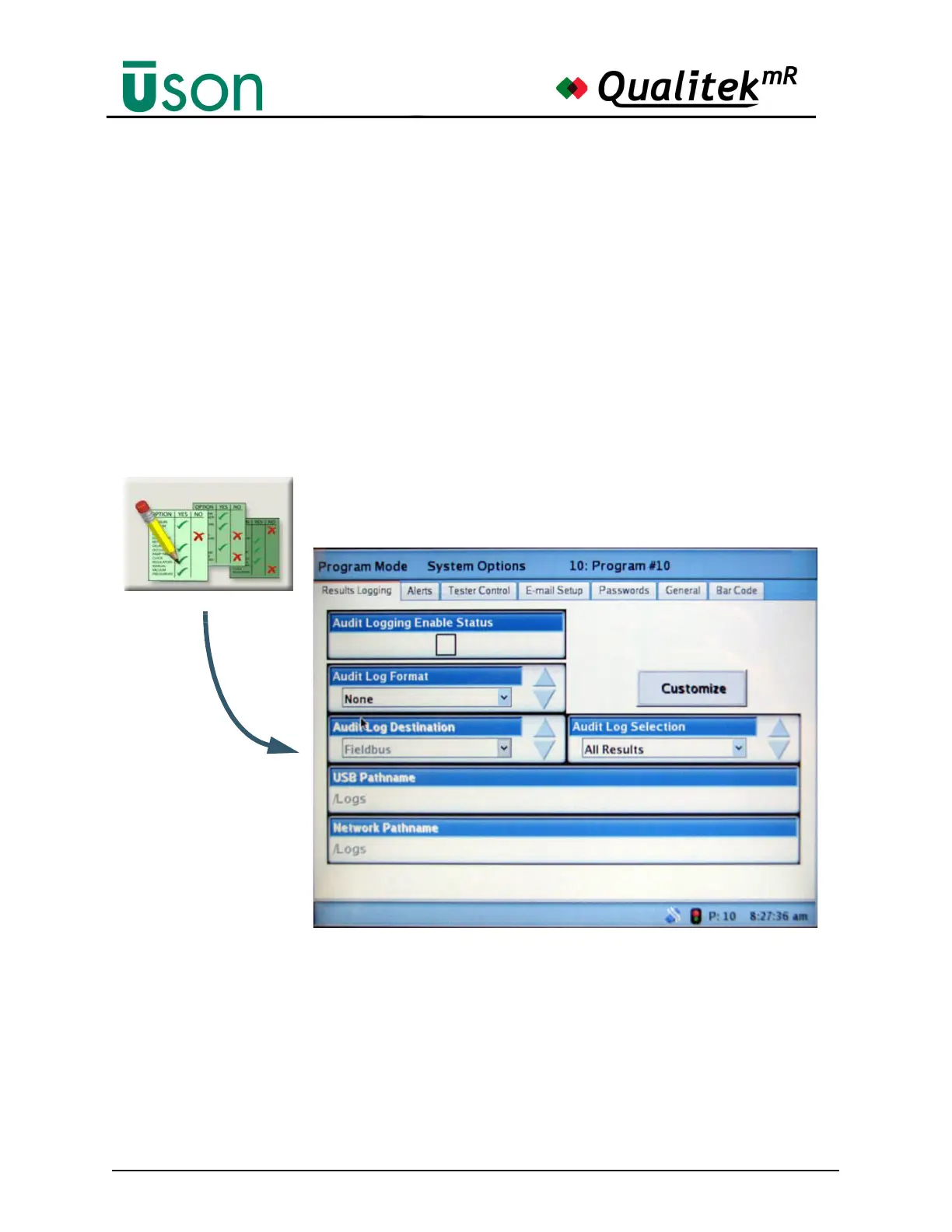
The Options button opens a screen with 6 tabs. The following options areas can be
set:
• Results Logging. See "Results Logging" on page 6-39
• Alerts. See "Alerts" on page 6-44
• Tester Control. See "Tester Control" on page 6-45
• E-mail Setup. See "E-mail Setup" on page 6-48
• Passwords. See "Passwords" on page 6-50
• General. See "General" on page 6-54
• Bar Code. See "Bar Code Option" on page 6-54



 To Next Page