Program Mode 6-37
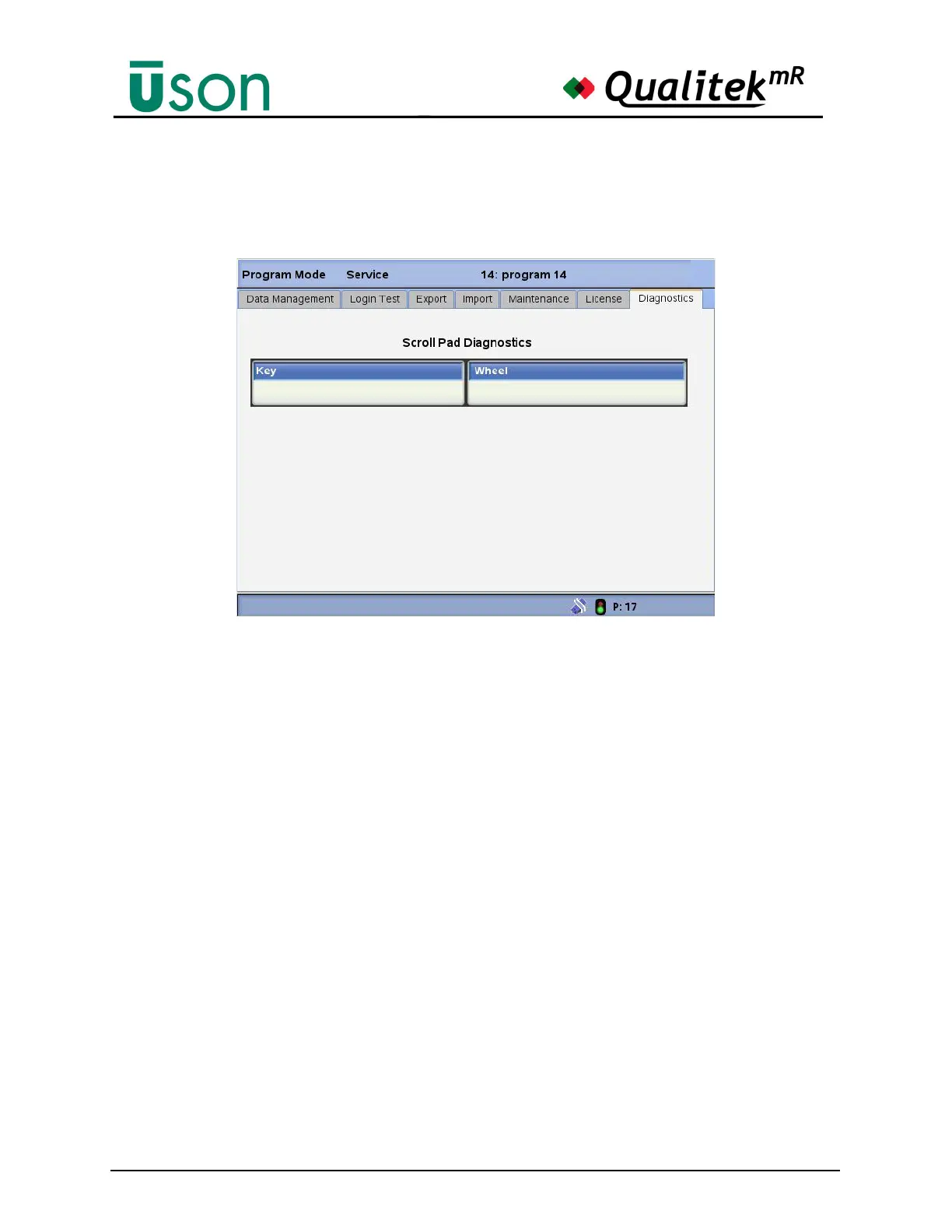
Scrollpad Diagnostic
This screen allows testing the scroll pad board.
To perform the Scroll Pad Diagnostics (Key/Wheel):
1. Press the ‘Top key’ of the overlay keypad; you should see the value in
the ‘Key’box change to 0x01. Release the Top key; the value should return
to 0x00.
2. Press the ‘Right key’ of the overlay keypad; you should see the value in
the ‘Key’ box change to 0x02. Release the Top key; the value should return
to 0x00.
3. Press the ‘Center key’ of the overlay keypad; you should see the value
in the ‘Key’ box change to 0x04. Release the Top key; the value should
return to 0x00.
4. Press the ‘Left key’ of the overlay keypad; you should see the value in
the ‘Key’ box change to 0x08. Release the Top key; the value should return
to 0x00.
5. Press the ‘Bottom key’ of the overlay keypad; you should see the value
in the ‘Key’ box change to 0x10. Release the Top key; the value should
return to 0x00.
6. The scroll wheel counts from 0x00 to 0x7F as you rotate your finger
‘clockwise’ starting from the top of the wheel. Ensure that the ‘Wheel’ box
value counts from 0x00 to 0x7F. Note: Due to resolution of the wheel, it is
very difficult to see every value from 0x00 to 0x7F. Verify at least the
second digit counts from 0 x0? to 0x7?.



 To Next Page