6-36 Qualitek mR Owner’s Guide
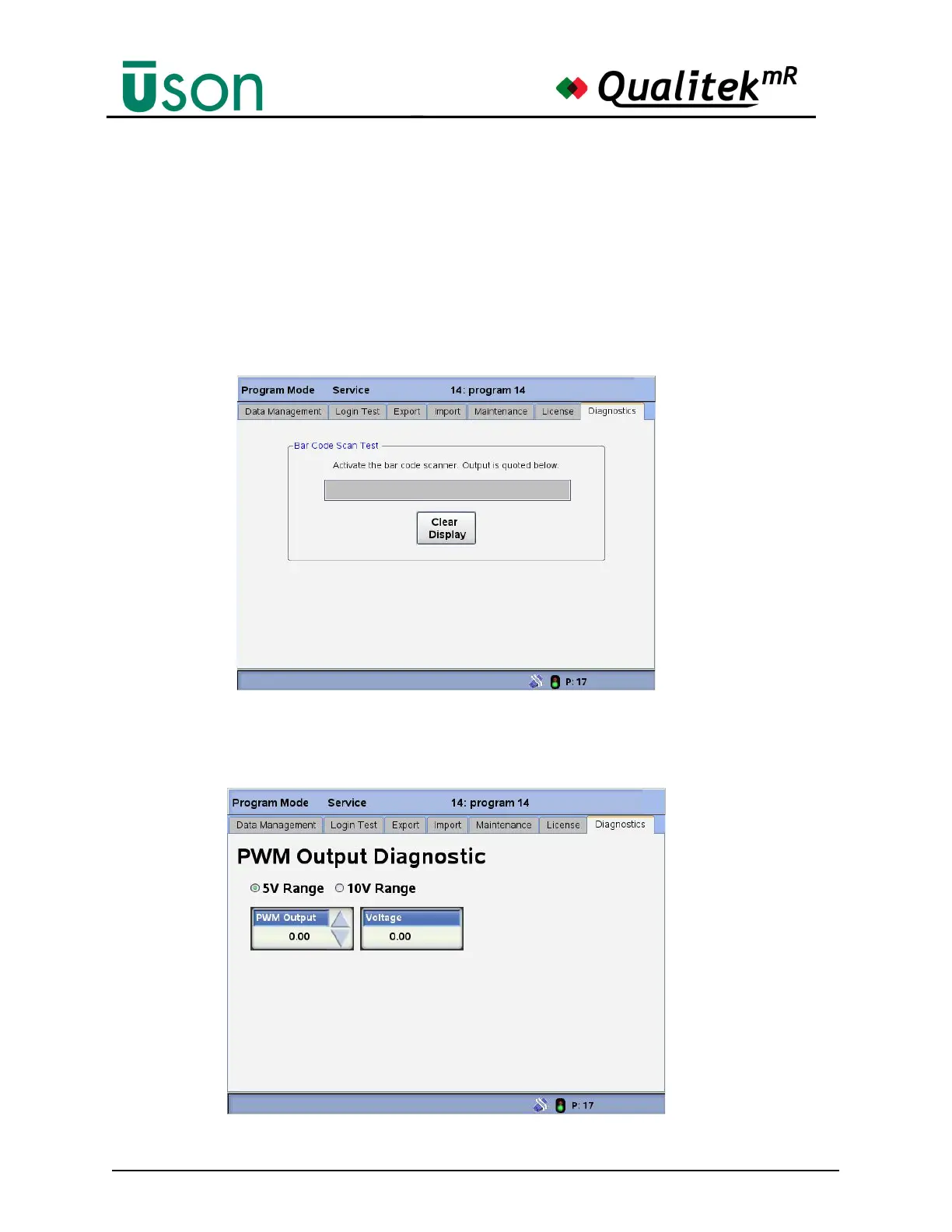
Bar Code Scanner Diagnostic
This screen will show the scan results to verify operation. Press Clear Display to
clear the output and make another scan, if desired.
The scanner may be connected to the front or rear USB port. When connecting the
scanner, the tester should be powered off.
If the bar code scanner is connected but does not scan, recycle tester power while it
is connected so that the tester can recognize the scanner.
PWM Output
The PWM Output menu allows checking the voltage to the electronic regulator.



 To Next Page