Program Mode 6-67
6.2.5.5 Digital I/O
(Available on testers equipped with expanded Digital I/O only.)
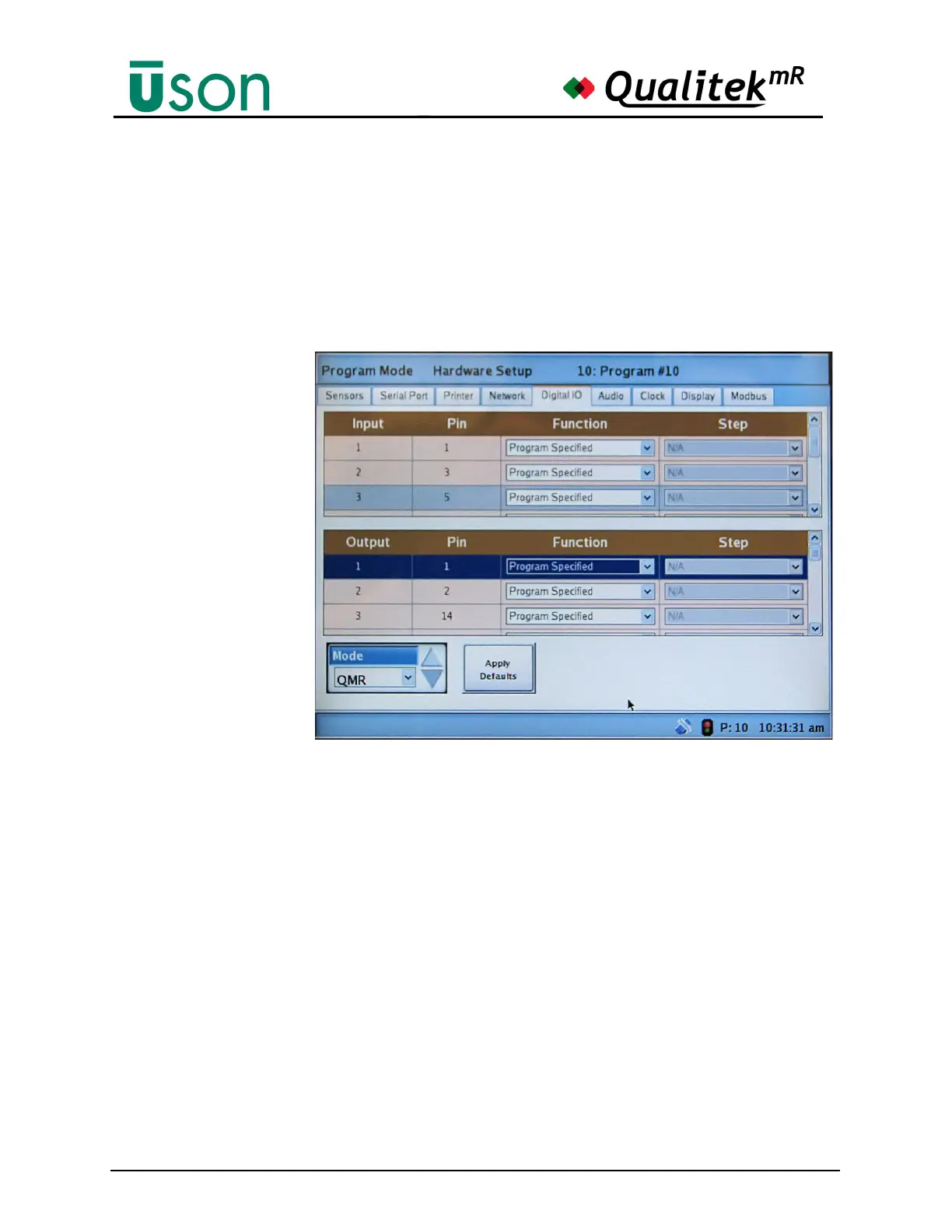
The digital I/O can be customized to a high degree. Settings made here will apply
to the tester in a global fashion. Changes can also be made locally to a test by
further customizing the settings using the Digital I/O tab in the Test Setup screen.
(See "Digital I/O" on page 6-22).
Use the Mode Button and Apply Defaults to quickly set the I/O to the default
settings for the selected tester.
The mode may be set to:
• Q6000
• QMR
• Testra
Set the mode to QMR,
Q6000, or Testra and
press Apply Defaults to
change the mode to
emulate that tester’s
default I/O settings.



 To Next Page