8-22 Qualitek mR Owner’s Guide
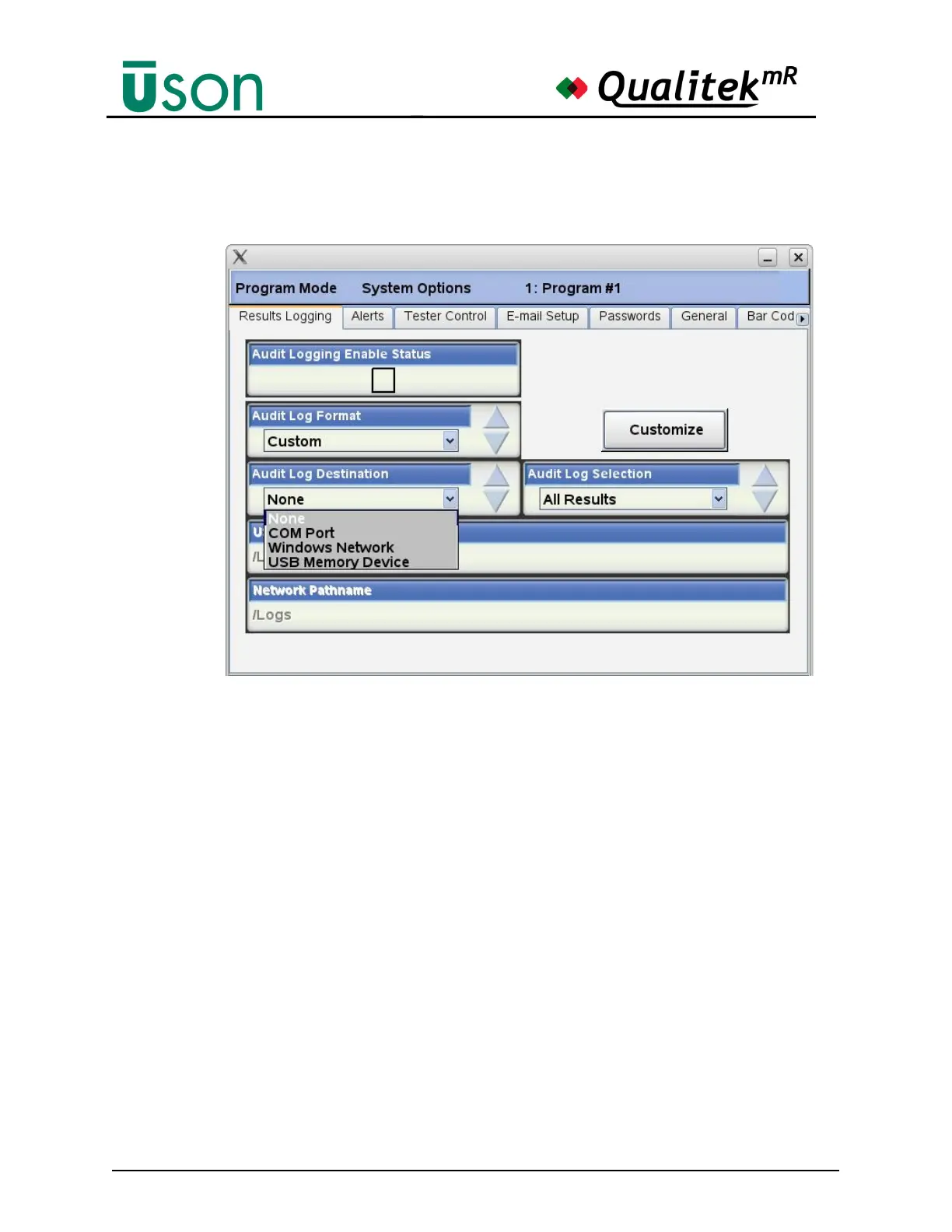
Log Destination
Set the Audit log Destination parameter to where the results will be saved as
shown below.
The Com Port option will output the result information at the end of each test via
the serial port located on the QMR rear panel. This option will require a Serial
cable, a PC with a serial port connection and a serial data logging application (e.g.
Windows HyperTerminal) to save data from the serial port to a local file.
The QMR serial port default settings are listed below and can be modified using
the Program Mode Hardware Serial tab:
Baud rate: 9600
Data Bits: 8
Stop bits: 1
Parity: None
Flow Control: None.
The Windows Network option will log the result information at the end of each test
to remote server specified by the Program Mode Hardware Network tab and the
Result Logging Network Pathname parameter.
The USB Memory Device will log the result information at the end of each test to
a folder on the USB memory device specified by the Result Logging USB
pathname parameter.



 To Next Page