Run Mode 5-7
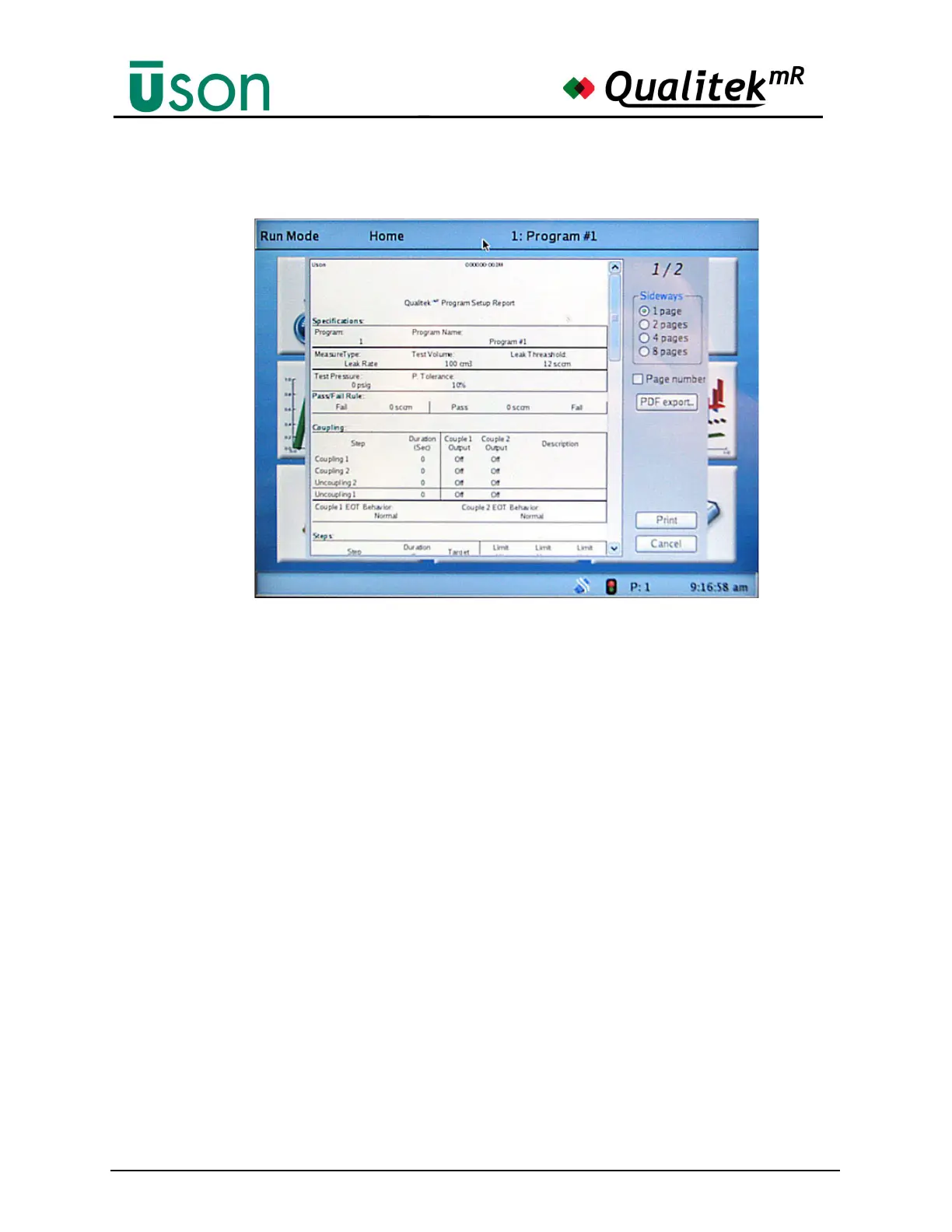
The illustration below shows the first page of a Program Test Setup report. The
report can be scrolled to view it completely.
If desired, use the PDF export button to save the report as a PDF file to a USB
memory stick. Insert the memory stick and wait for the USB Ready indicator to
show the stick is recognized. Press PDF export and wait for the activity light on
the stick to stop blinking. When the light stops blinking, an appropriately-named
PDF file will have been saved to the root level of the memory stick.



 To Next Page