Run Mode 5-35
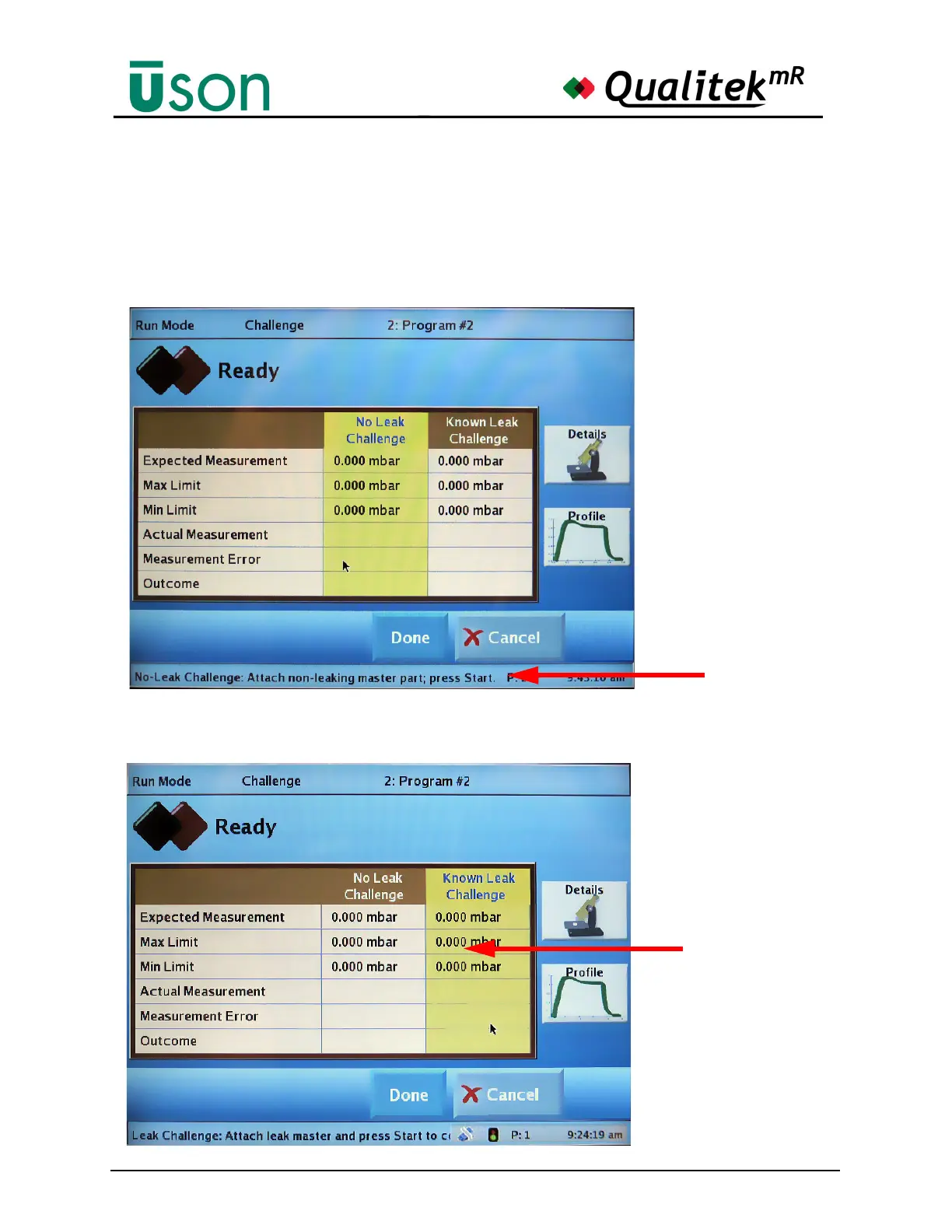
As previously mentioned, it is possible to switch back and forth between the No
Leak Challenge and Known Leak Challenge columns my tapping within the
column. This concept is shown in the following illustrations. Below, the No Leak
Challenge column is highlighted, so the operator is prompted to attach a non-
leaking part for the test. When the start button is pressed, the selected program will
run and values for the column will be computed.
If the Known Leak Challenge column is selected (yellow), the Status bar will
prompt to attach a calibrated leak master before pressing the Start button.
Step-by-step
Instructions can
be followed here.
Tap this column
for Known Leak
Challenge.



 To Next Page