8-83
SMART KEY SYSTEM
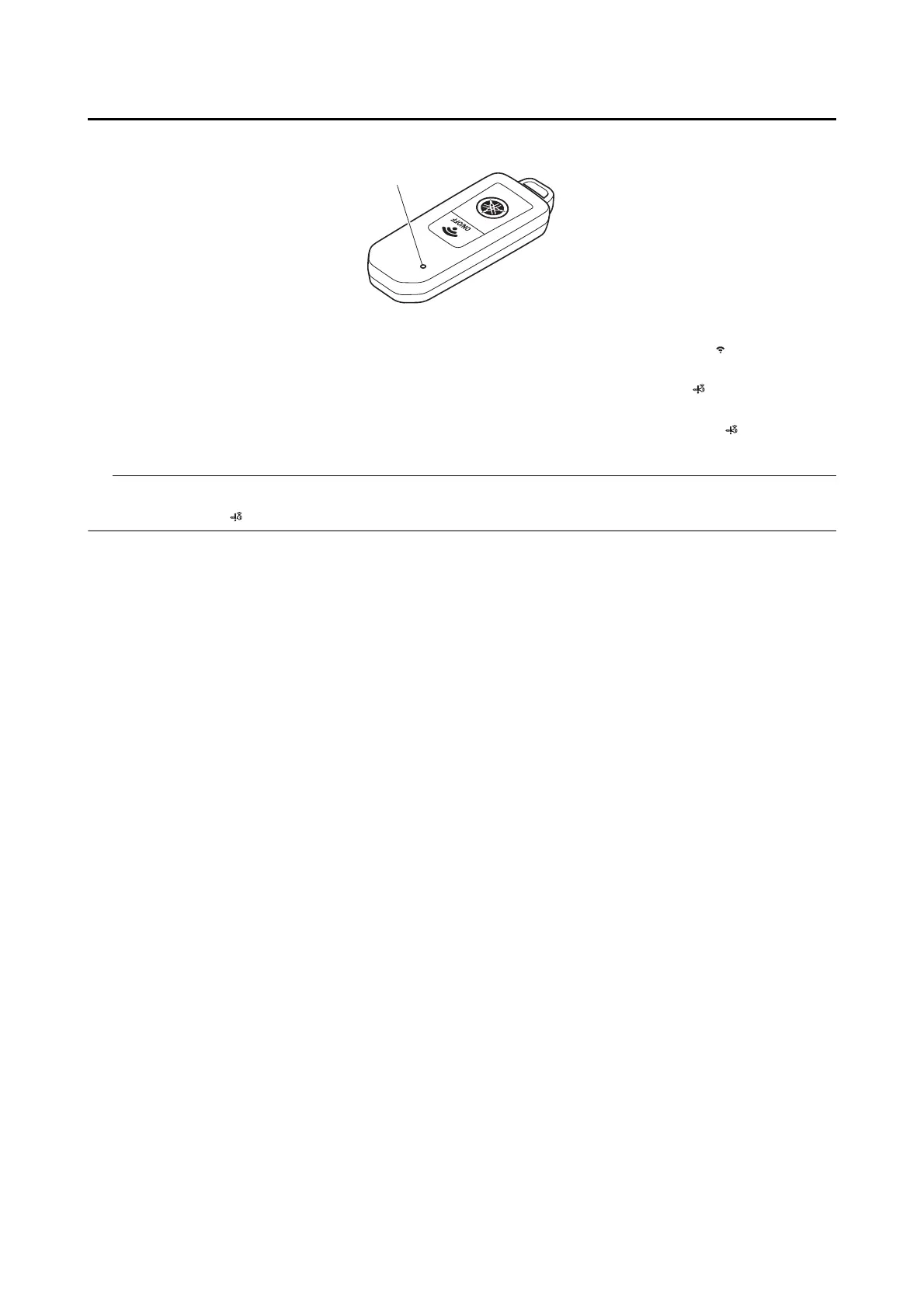
5. While the smart key indicator light is on for 10 seconds, push the ON/OFF switch “ ” on the smart
key to transmit a signal from the smart key to the remote control unit.
6. If the smart key is registered successfully, the smart key system indicator light “ ” will come on for
3 seconds, and then the smart key system will turn off.
If the smart key was not registered successfully, the smart key system indicator light “ ” will flash for
3 seconds, and then the smart key system will turn off.
If this registration procedure is performed for a smart key that is already registered, the smart key sys-
tem indicator light “ ” will flash for 7 seconds (on for 0.2 second and off for 0.8 second).
1







 To Next Page