Getting Started MetaASSIST View Workplace
Topology Tree
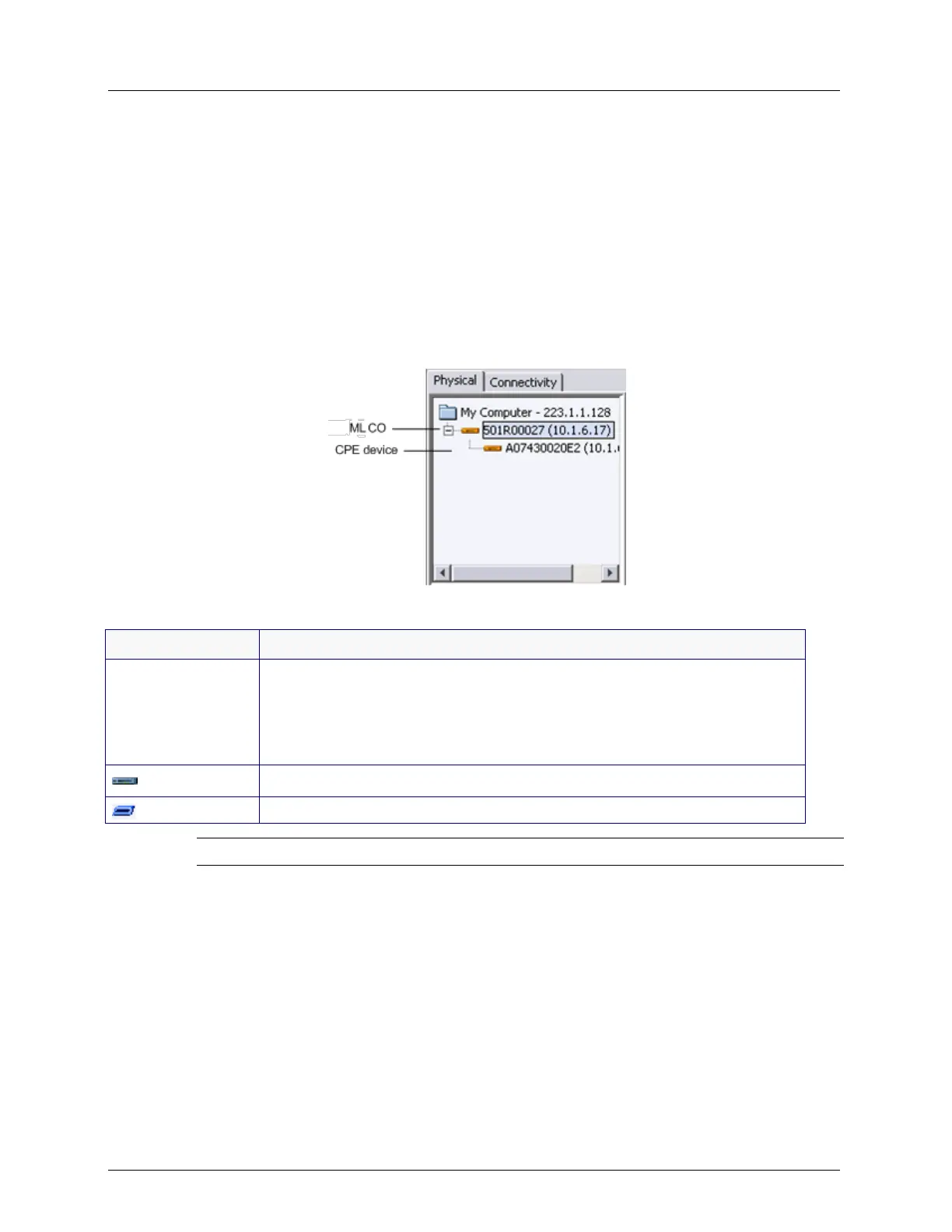
The Topology Tree displays the ML device (Network Element or NE), to which a session
was opened. If the NE performs as CO (Central Office) device, then the corresponding
connected CPE (Customer Premises Equipment) is also displayed.
When opening a new session, pointing to the NE (in the topology tree) shows the current
connectivity status (e.g.: Connecting to NE).
An icon adjacent to the item indicates the type of device and its status, where the color
corresponds to the most severe alarm on the device (Blue - OK, Yellow - Minor, Orange -
Major, Red - Critical).
Table 7: Tree element Icon meanings
Indicates MetaASSIST View running on your computer and shows the IP
address of the computer. When the computer is not connected to the LAN
(ML NE is monitored via craft), the loopback IP address appears (127.0.0.1).
When the IP address of the computer was changed, MetaASSIST View will
update the displayed value only when MetaASSIST View is re-started.
NE attempting to connect (slanted blue icon).
NOTE: You cannot drag/drop items in the Navigation tree.
MetaASSIST View applies the following features on the assets in this Tree:
Displays TID (Target Identifier) on successfully logged in NEs for ease of monitoring by
logical name;
Displays IP address when available and indicates full management access.
In most cases, all HSL linked NEs along with the corresponding TID and IP are
automatically added during connection. For other cases, see Logging In descriptions.



 To Next Page