MetaASSIST View Workplace Getting Started
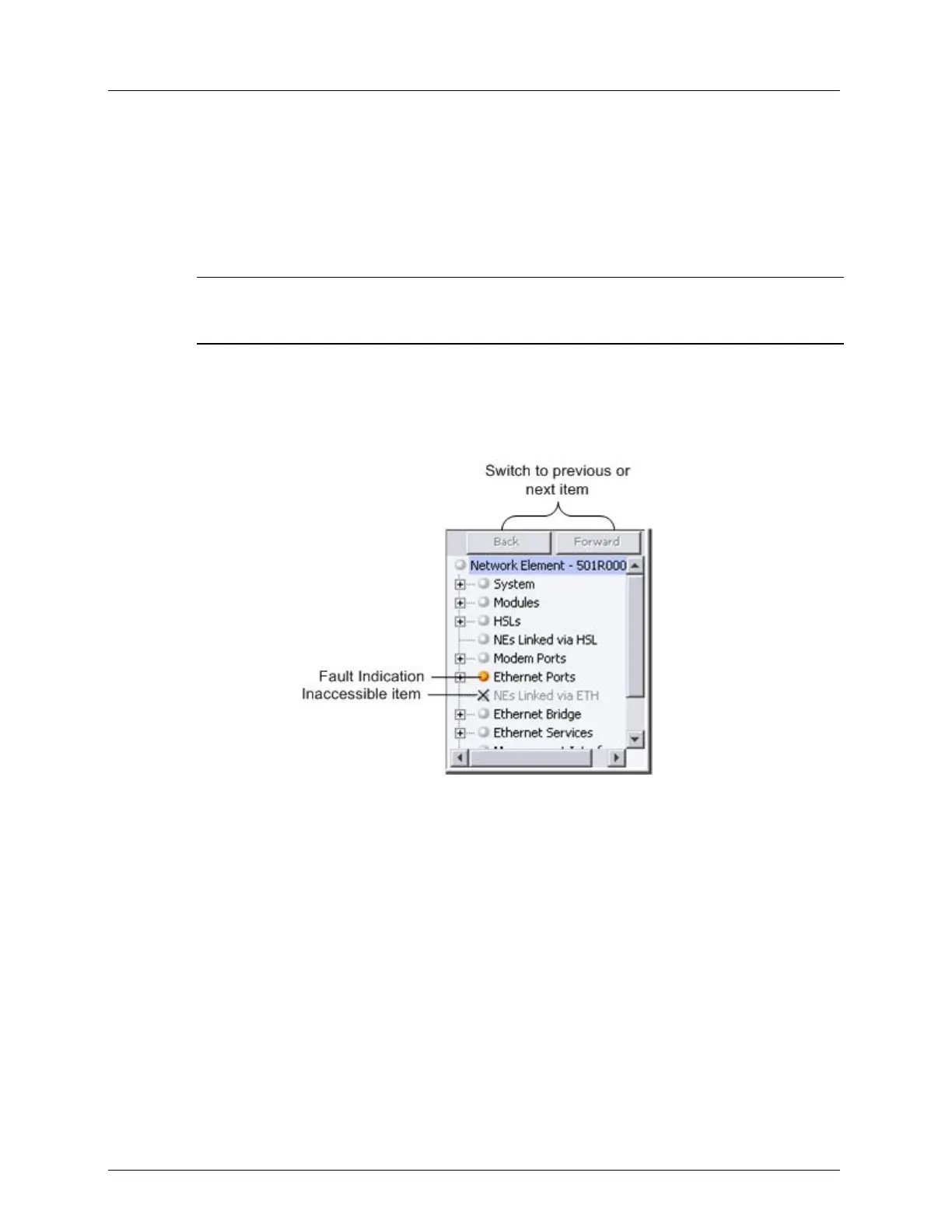
Network Element Tree
When NE in the Topology tree is selected, the Network Element tree displays selected NE
content Navigation Tree. The Navigation Tree includes an expandable/collapsible hierarchy
and alphabetical list (user selectable). By clicking a tree element, the appropriate pane
appears.
NOTE: The Navigation Tree can be alphabetically sorted only when a session is not connected. If you
are running a session, you must disconnect to apply alphabetical tree order. To alphabetically order the
tree, from the View menu option, select Navigation Tree Order -> Alphabetical.
Content of the single NE Navigation Tree depends on:
Logging In User Privilege - some panes require specific (write or admin) permissions and
are available only to users with the appropriate access privileges.
IP address availability - SNMP agent is unavailable for NEs without an IP address.
Figure 9: Navigation tree area
The following table describes the icons in the Navigation tree. These also appear in the work
area and system alarms table.



 To Next Page