Getting Started MetaASSIST View Workplace
Table 8: Icon meanings
Gray Icon - for the following cases:
No critical, major or minor alarms;
Entities that have no alarm status (such as Users);
Entities are disabled.
Red Icon - Critical Alarm
Orange Icon - Major Alarm
Yellow Icon - Minor Alarm
Icon with an x - Inaccessible element
Tool Icon - Maintenance mode
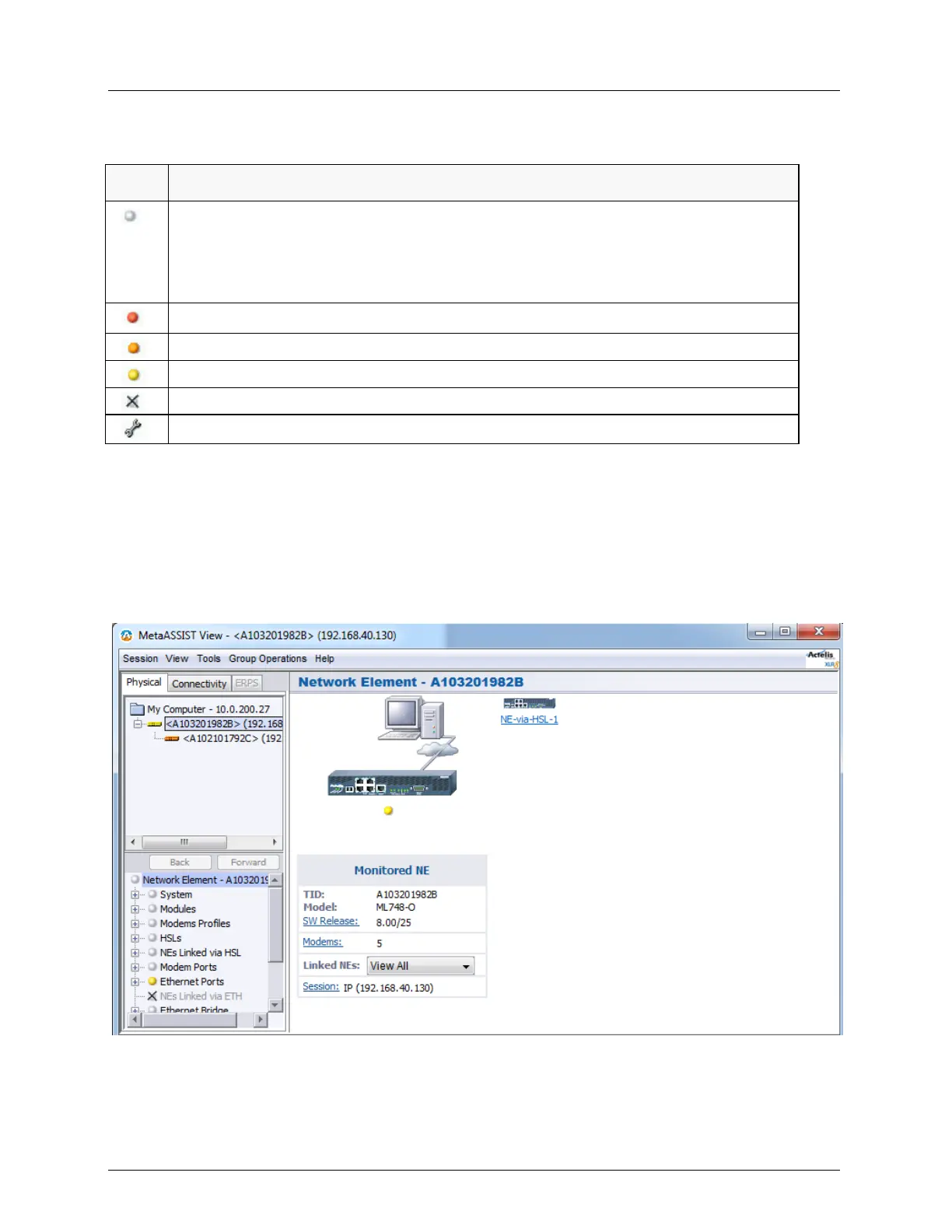
Network Element Pane
The Network Element pane provides a glance view of local Network Element and when
applicable, Network Element linked via HSL.
To access the Network Element pane
In the Network Element tree, click Network Element. The Network Element pane opens in
the work area.



 To Next Page