High Speed Link (HSL) Equipment and Port Configuration
NOTE: The Achievable Calibration Target bandwidth depends on copper condition, topology, length,
wire gauge, etc.
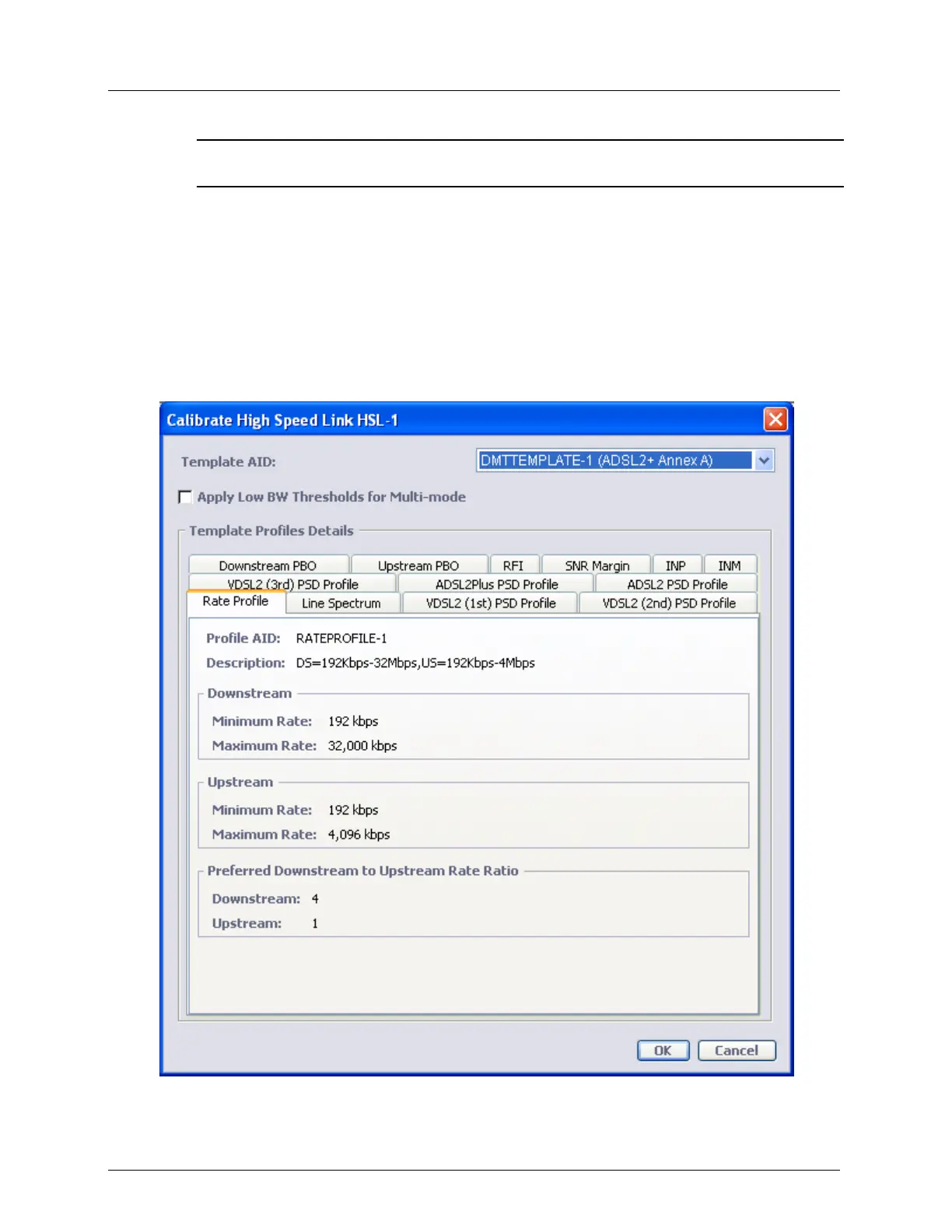
To calibrate the HSL
1. In the Network Element tree, click HSL. The corresponding pane is invoked.
2. Before calibrating the HSL:
Verify that In the HSL pane, Details area, view the Calib. Status parameter to
determine the last operation applied on the HSL.
Verify that the required profiles (Rate, SNR, etc.) and Template are updated.
3. In the Details area, click Calibrate. The Calibration dialog is invoked.



 To Next Page