Measuring System Performance: Modem Carrier-to-Noise Measurements
123
6
Bandwidth. If any of these parameters change, the measurement cycle will
start over from the beginning, so it is not necessary to force the unit to re-
start its measurement manually.
To keep the display free from clutter, not all measured values are displayed:
Only the average power of each signal detected is displayed. If two signals
overlap in such a way that the unit cannot determine where one ends and
the other begins, the average power of both signals together will be
displayed. This way, only one signal shows instead of several.
Use diamond keys move the cursors from one signal level to another without
traversing the empty space between in order to save time in navigation.
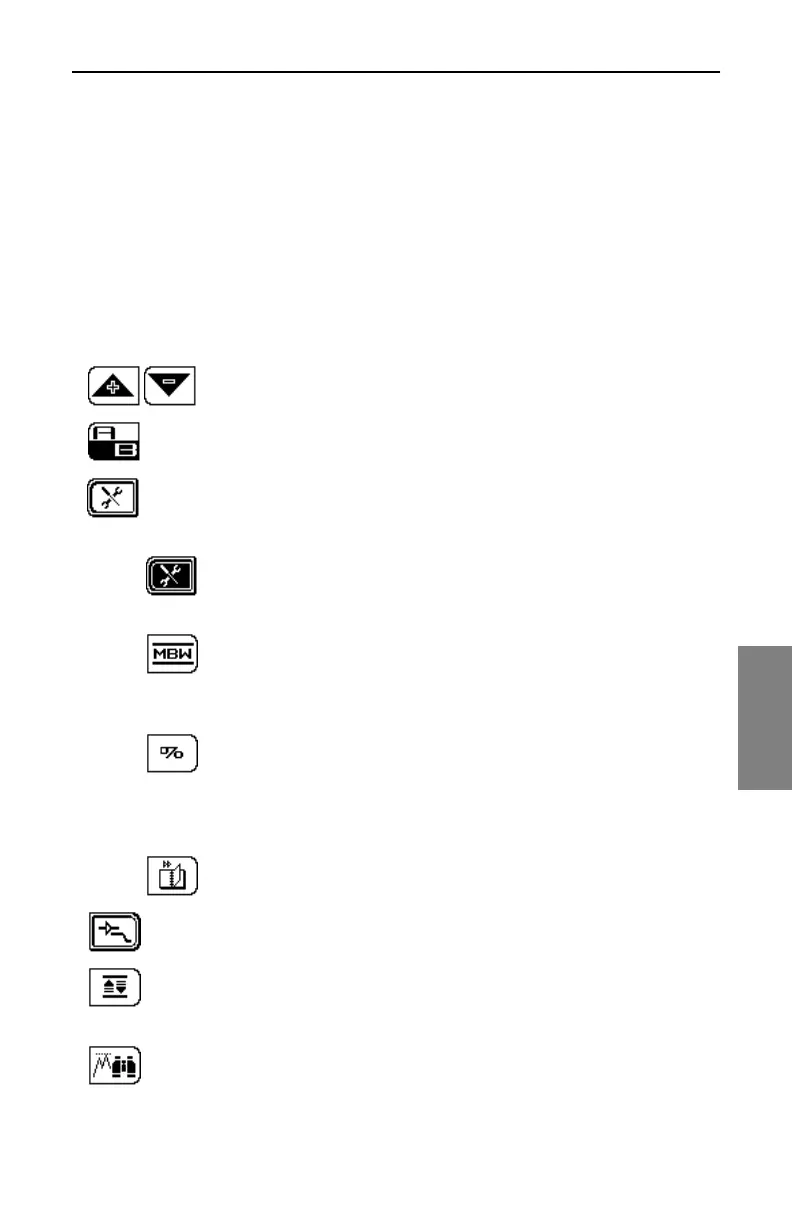
Use these keys for moving the graph’s reference level
up and down.
The A/B toggle key controls which cursor is active and can be
moved by the diamond keys.
This soft key takes you to the setup area for the measurement.
When you press this key, you’re taken to a screen where you
can set the following options:
Center Frequency: You can edit the center frequency
for the carrier with the up and down diamond keys or the
numeric keypad when you enter this screen.
Measurement Bandwidth: This option defaults to the
NTSC modem carrier bandwidth of 2.000 MHz. Adjust
this as necessary with the up and down diamond keys,
or enter a value with the numeric keypad.
Percent Cutoff: In the detailed display, this option
enables to you limit the display to a percentage of the
total signal level measured. If set to 50% of the total
scan time, you will see only those signal levels that
occur in 50% of each scan cycle.
Display Type: Toggle between Summary and Detailed
display.
Use the Pre-Amp/LPF soft key to control the state of the Pre-
Amp and the low pass filter.
The Auto Scale soft key allows you to change the reference
level of the graph to show the highest measured signal at the
top of the graph.
The peak to valley soft key will automatically place the A marker
on the highest measured level and the B marker on the lowest
measured value. It will also change the active marker to the B



 To Next Page