Automatic Test: Test Locations
180
10
3. Enter a compensation value for local measurements.
4. Enter a name for the results file.
5. Select the type of test, either Immediate or Scheduled.
6. If a Scheduled test, set the schedule.
7. Enter the ambient temperature.
While the Auto Test is in progress, the display indicates the measurement
currently being performed (level, hum, modulation, etc.). Progress is
displayed during the test. A bar graph on the display shows the percentage
of completion.
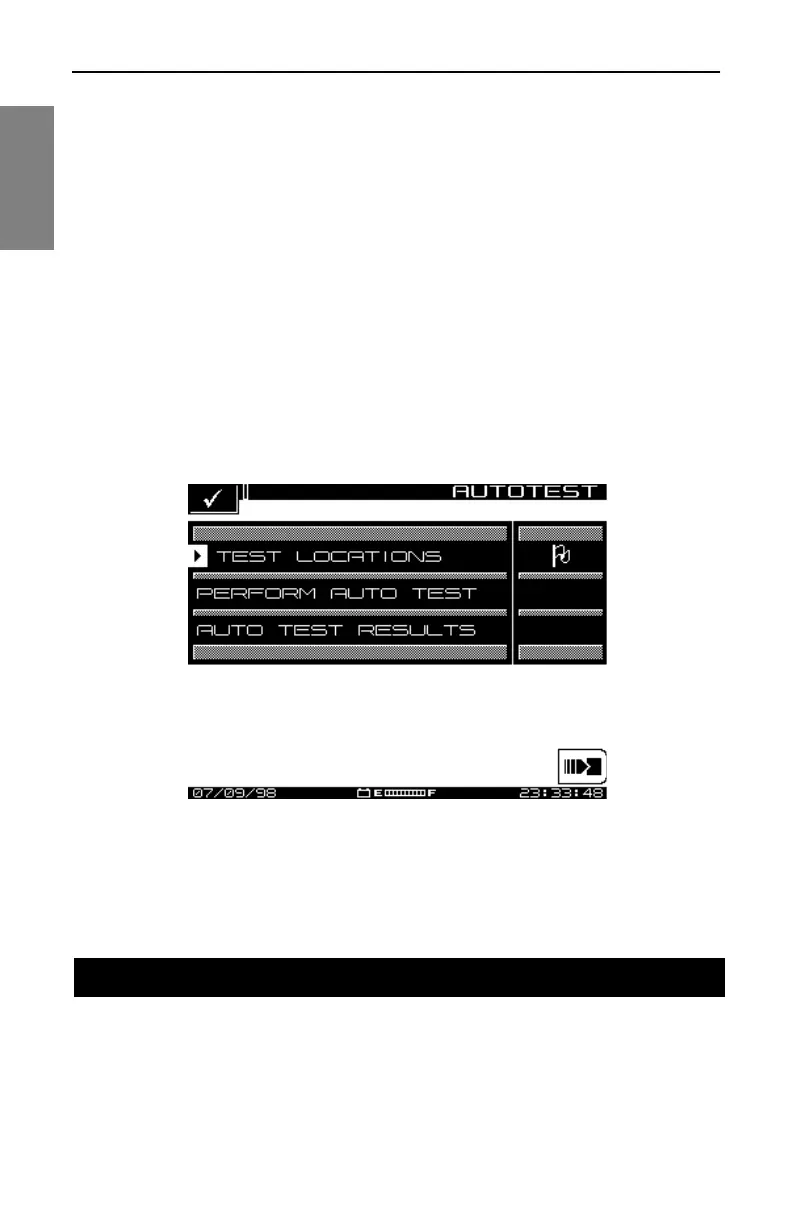
To operate in Auto Test, press the Test key. This activates the AUTOTEST
screen (see Fig. 10-1). The AUTOTEST menu consists of three submenus:
TEST LOCATIONS, PERFORM AUTO TEST, and AUTO TEST RESULTS.
Fig. 10-1 The AUTOTEST Main Menu
Test locations allows you to record location parameter specific data to the
test location. You can create a new location, or select one from the list.
There are five location types: Headend, Trunk Amp, Line Extender, Fiber
Node, and Field Test. You can create test locations directly on the instrument
TEST LOCATIONS



 To Next Page