Digital Analysis (QAM View OPT4): QAM Ingress Mode
160
9
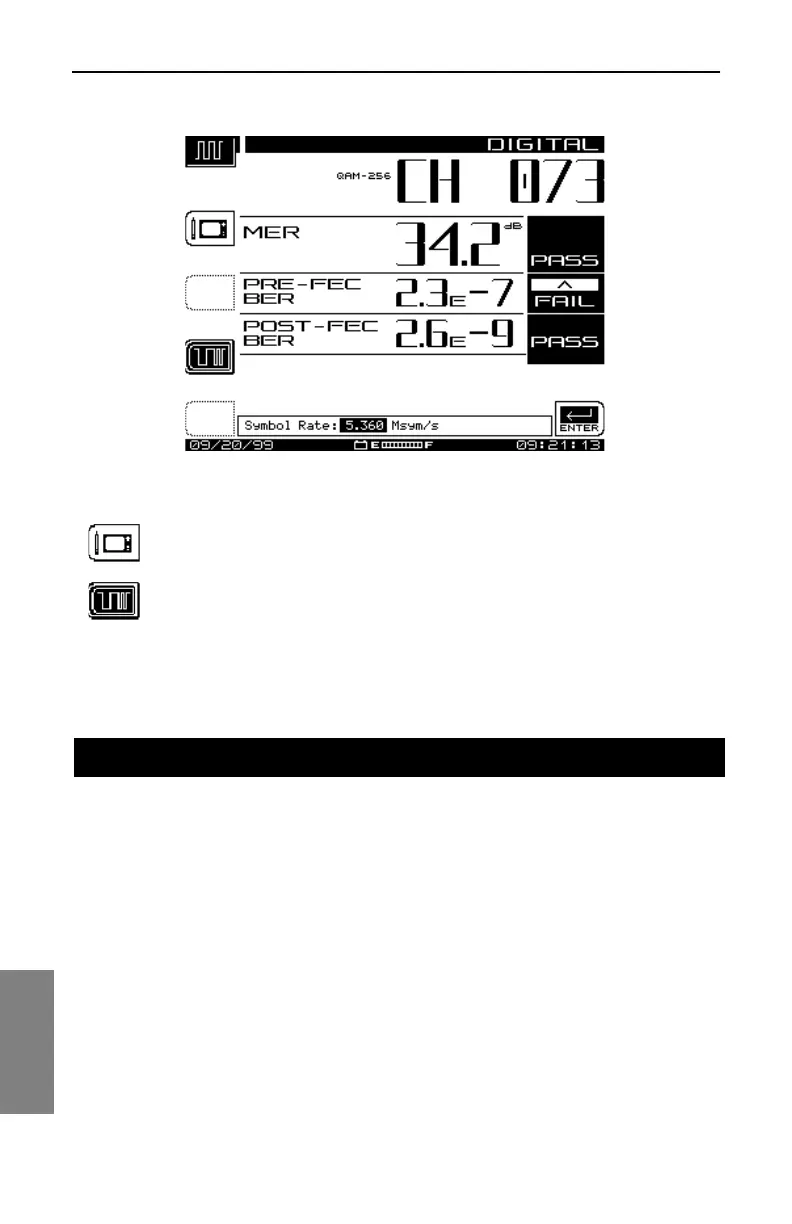
Fig. 9-7 Editing the Symbol Rate
Press this key to save the symbol rate to the channel plan.
Press this key to return to the main Digital Summary Mode
display.
QAM INGRESS Mode provides a spectrum view of ingress noise,
CSO/CTB, and other coherent noise occurring at levels beneath the digital
signal. It allows a view “under the signal” by removing the QAM signal and
displaying the remaining spectrum. By isolating specific noise impairments
at particular channels and frequencies, this mode displays the size and
location of ingress in relation to the digital carrier without taking the carrier
out of service.
Features and Definitions
QAM INGRESS Main Screen Features
The QAM INGRESS Main Screen (see Fig. 9-8) displays the:
QAM INGRESS MODE



 To Next Page